Hi everyone,
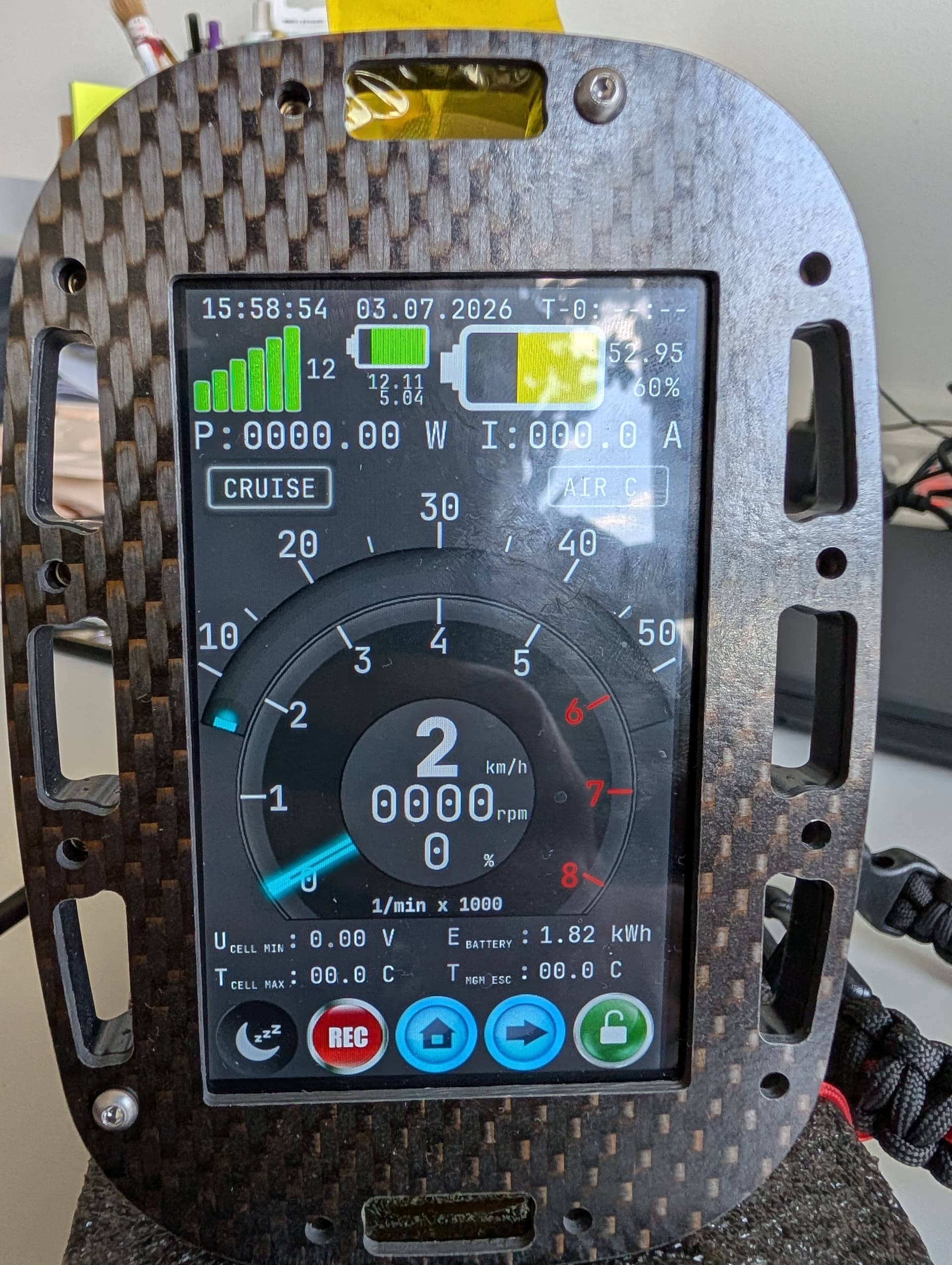
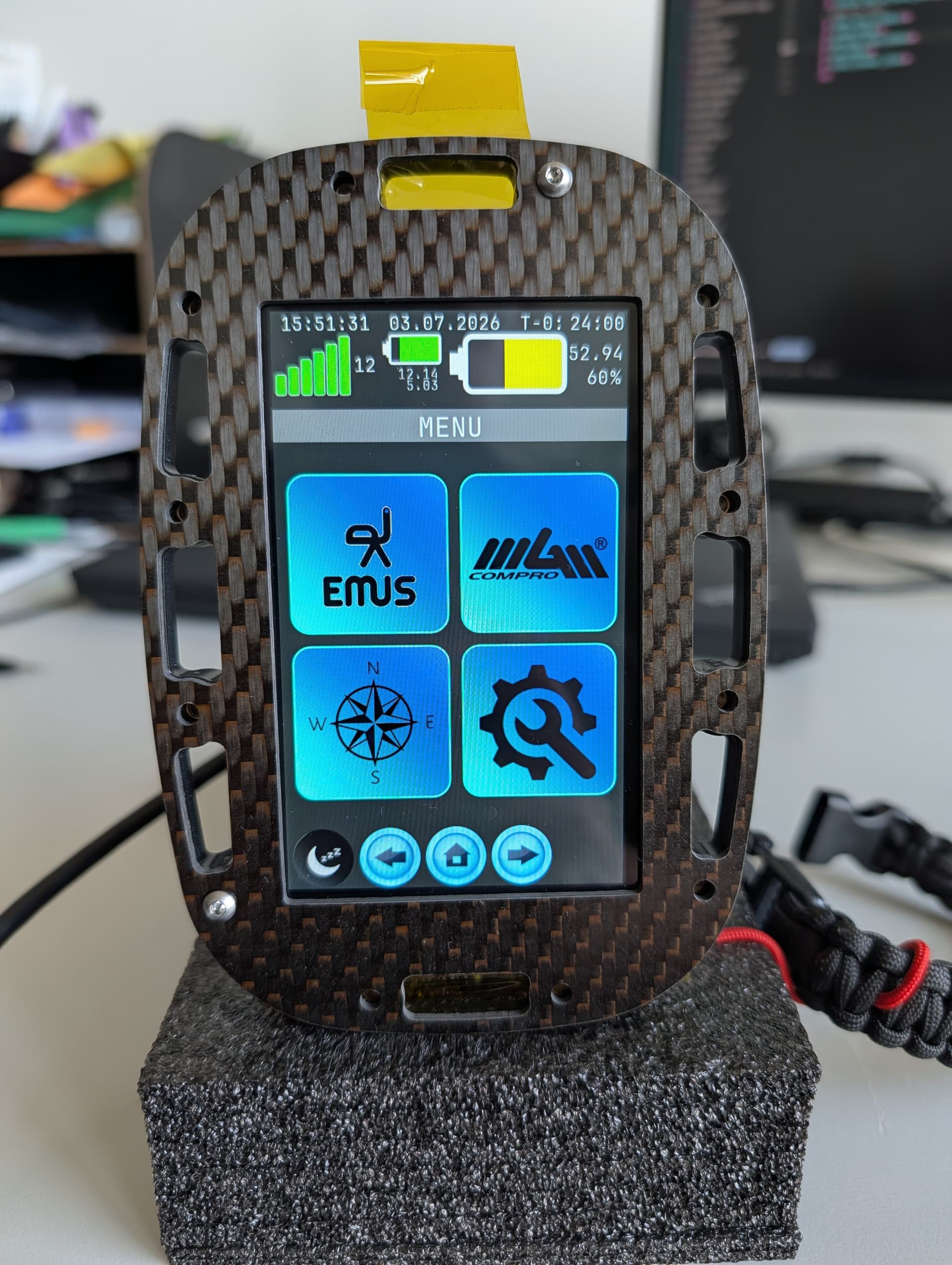
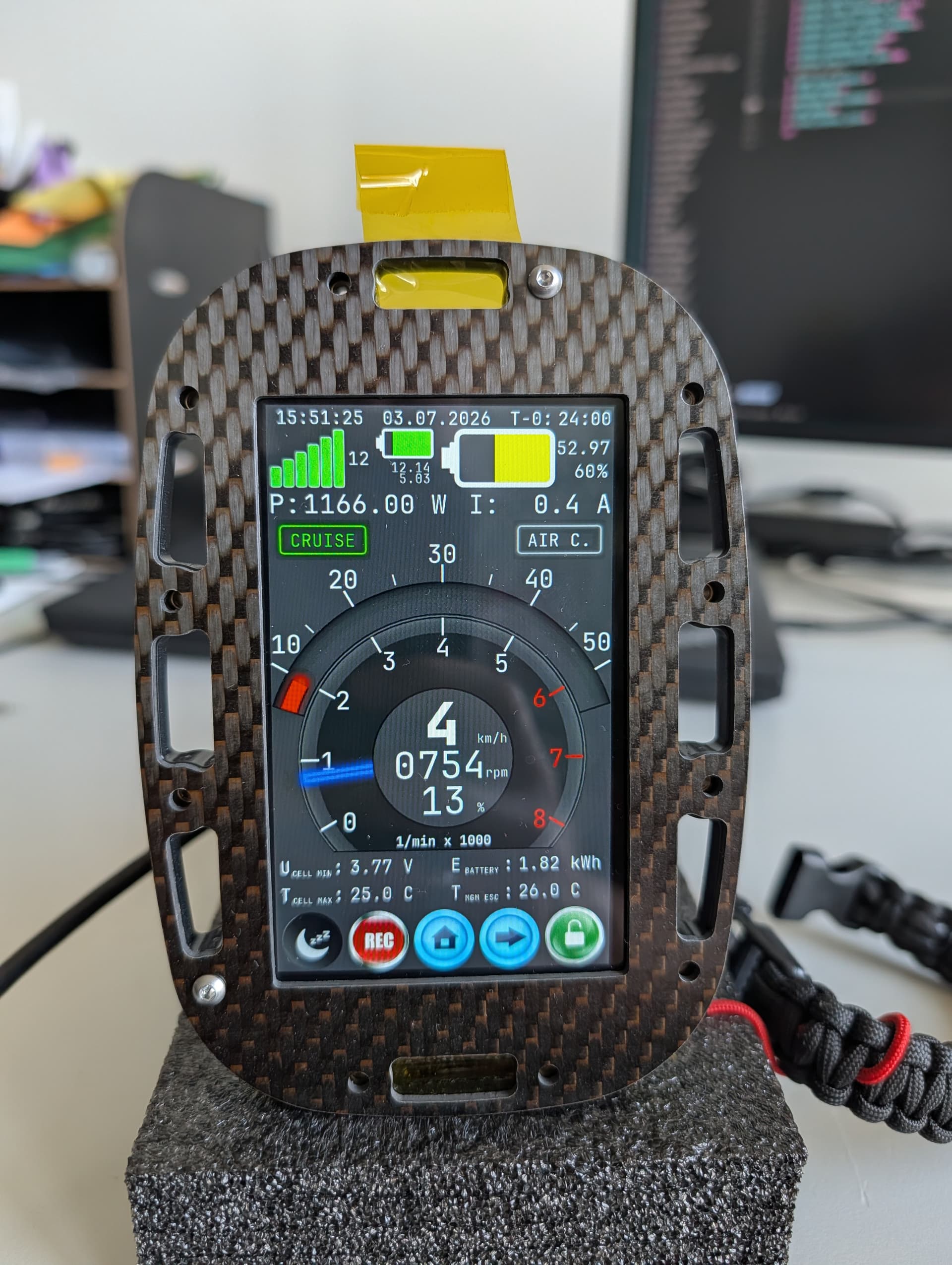
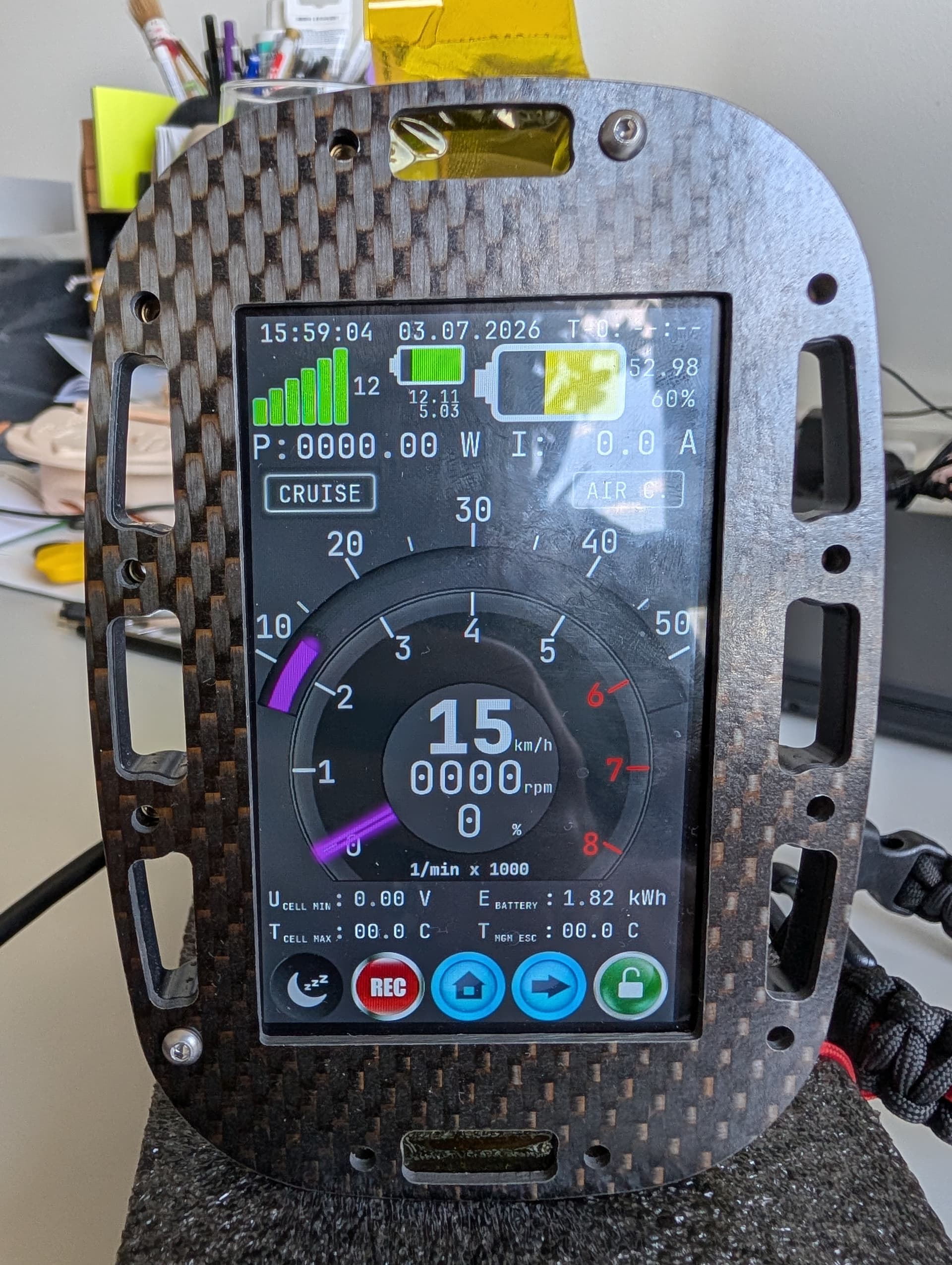
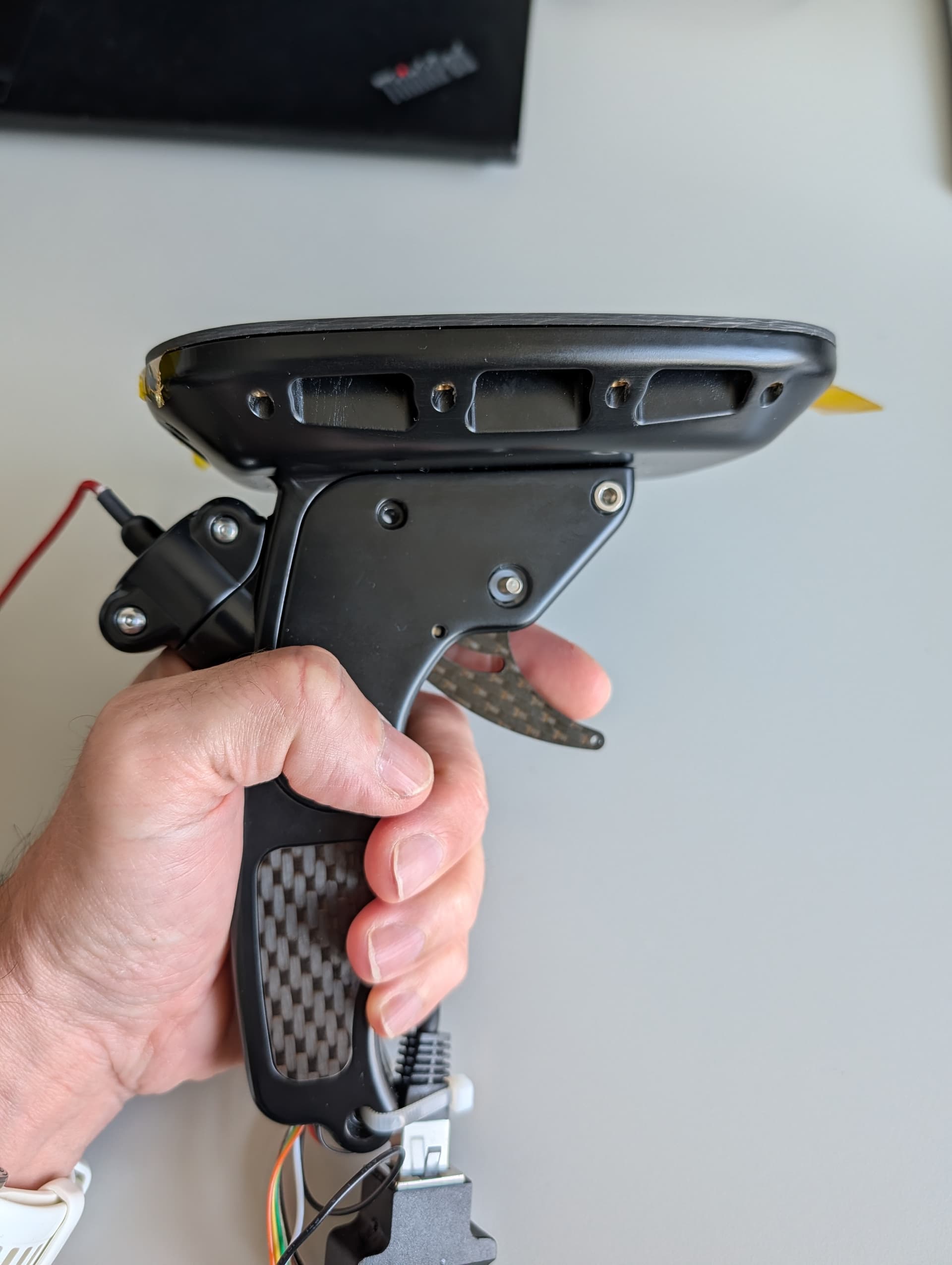
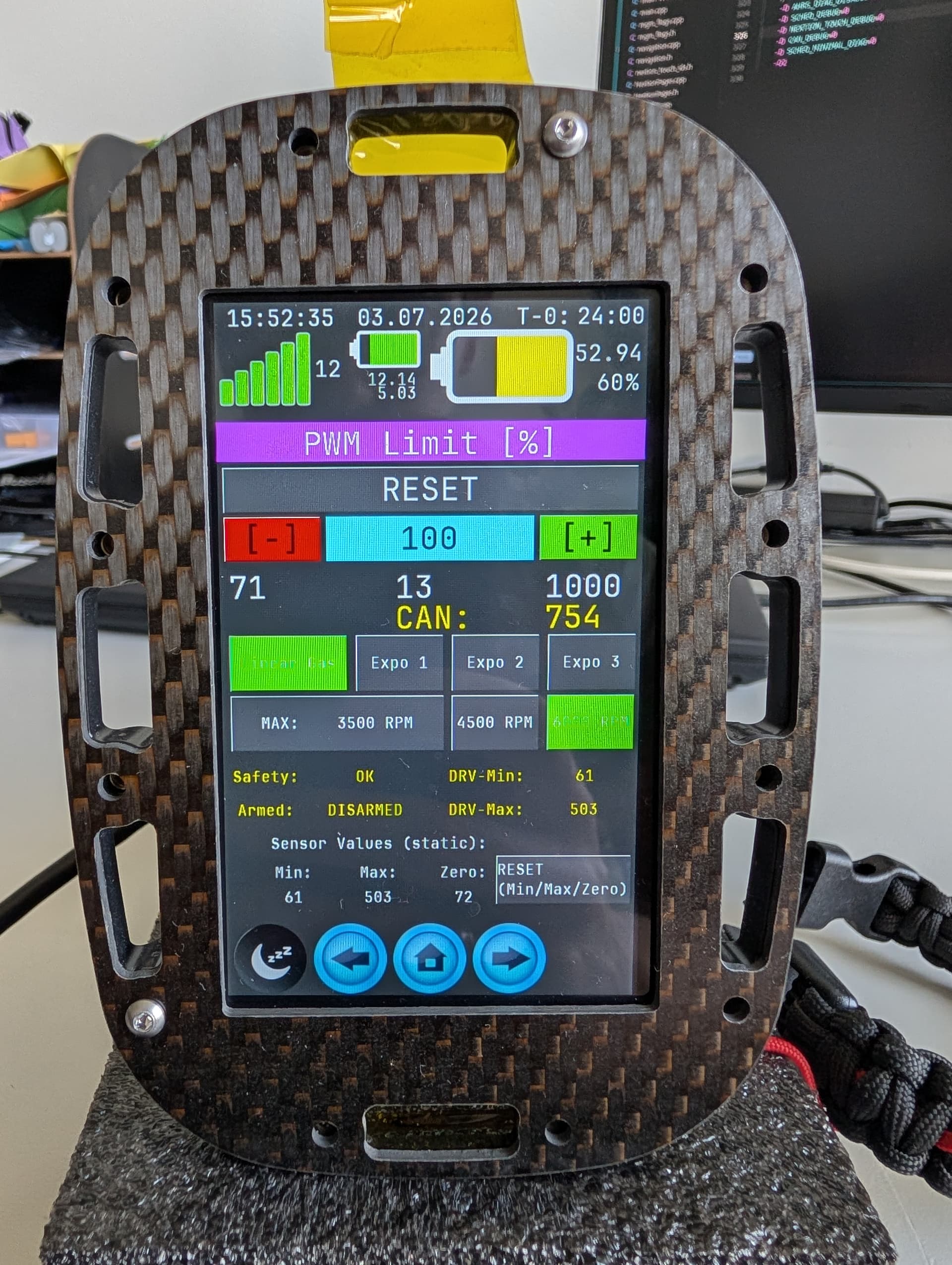
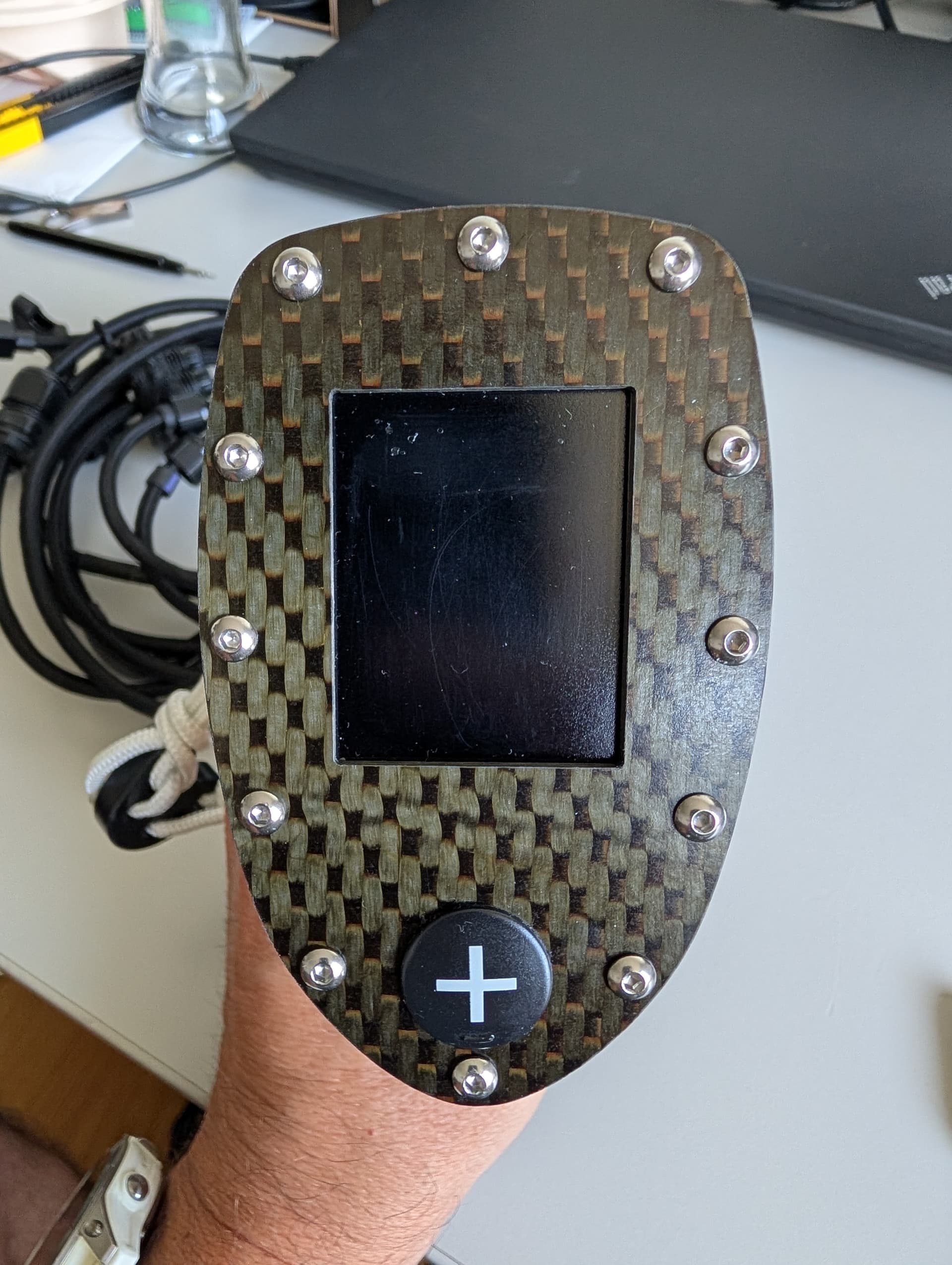
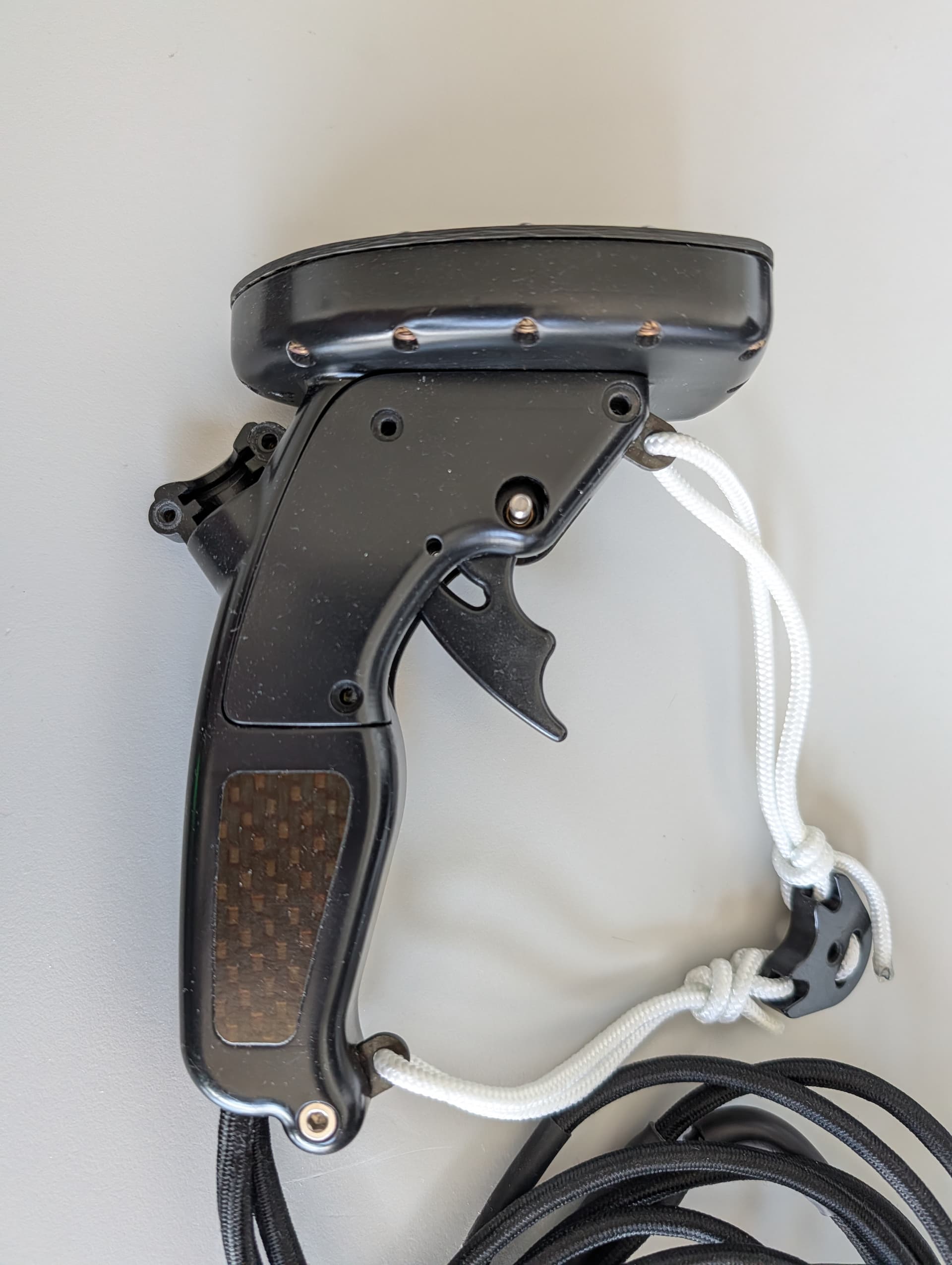
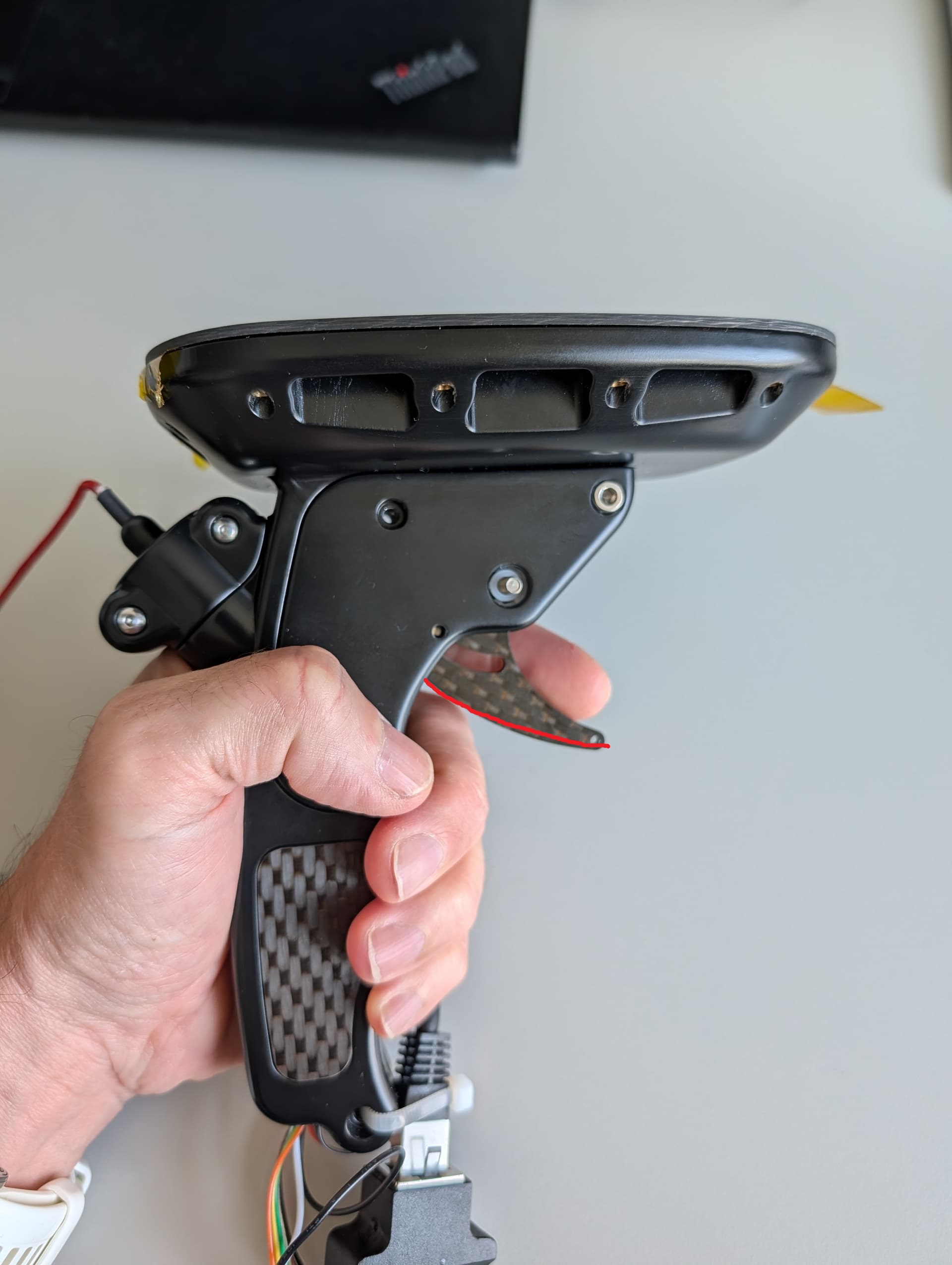
After 1.5 years of development, it is finally time to share the first pictures of my custom remote control.
This is a wired remote. I have developed wireless versions in the past, but was never truly happy with them due to screen refresh times, water-induced signal degradation, and interference. For use on an electric jetsurf board, a wired version simply makes the most sense.
Here is why:
- Physical Control: A wired connection gives you something to pull against, providing much better stability and control while riding.
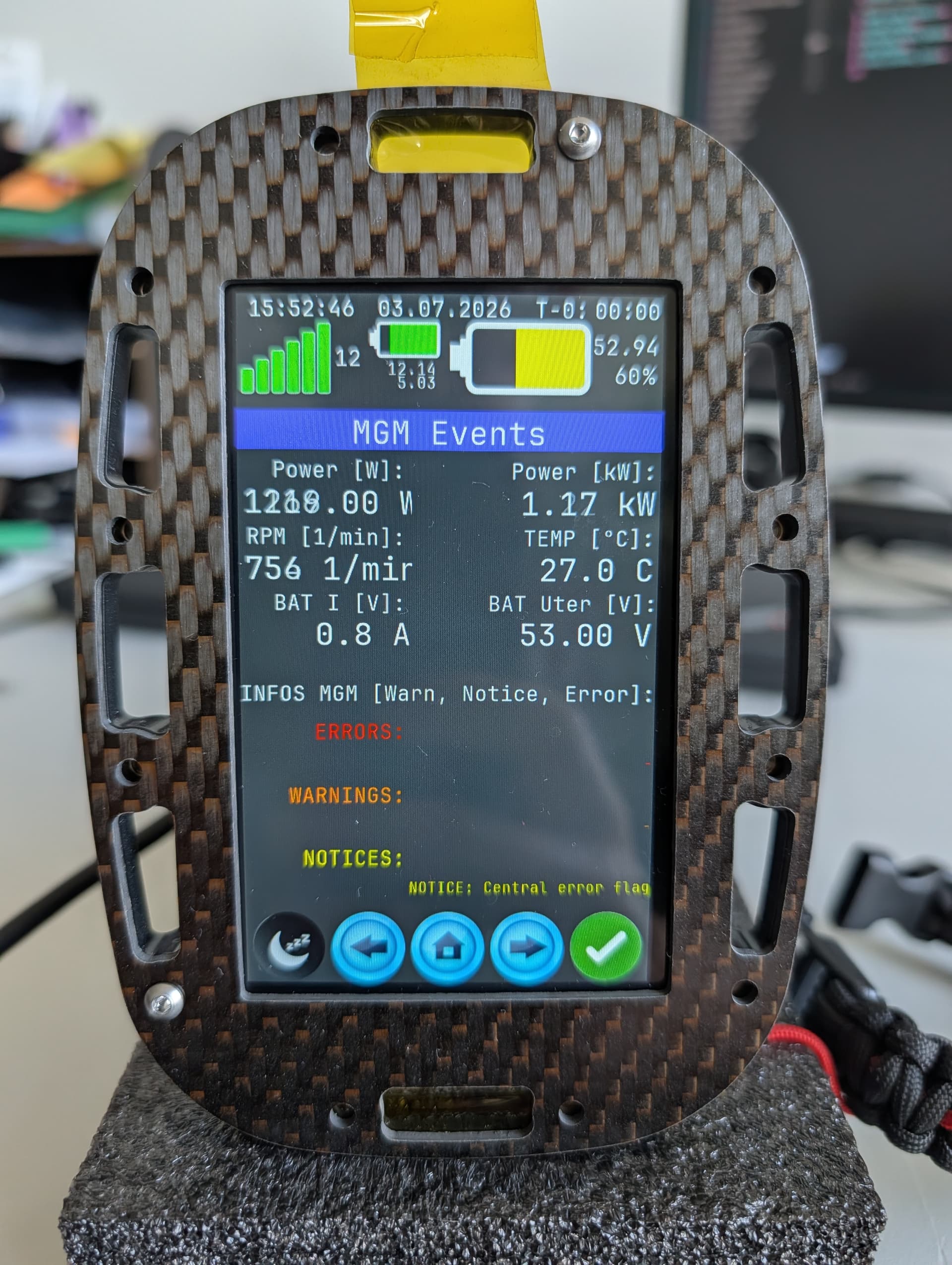
- Real-Time Data: True real-time telemetry with a screen refresh rate of 100 Hz.
- Loss Prevention: If you wipe out or jump into the water, the remote stays securely with the board.
- Future-Proof Flexibility: Highly adaptable to hardware upgrades. You can easily swap in a cheap $20 GPS module or a high-end one with faster update speeds and advanced logging.
- Zero EMI: Electrical noise is a massive challenge in electric watercraft; a wired connection eliminates this issue entirely.
- **Screen can be locked - during usage in water & sleep-mode - during charging
What It Is
A complete touch-screen control system for electric watercraft. A single Teensy 4.0 drives a 480×480 full-color display, communicates with the motor controller and battery management system (BMS) over dual CAN buses, and handles GPS navigation, safety logic, and trip logging—all within a single, highly maintainable codebase.
By the Numbers
- ~9,400 lines of C/C++ | 55 modules | 3 build configurations
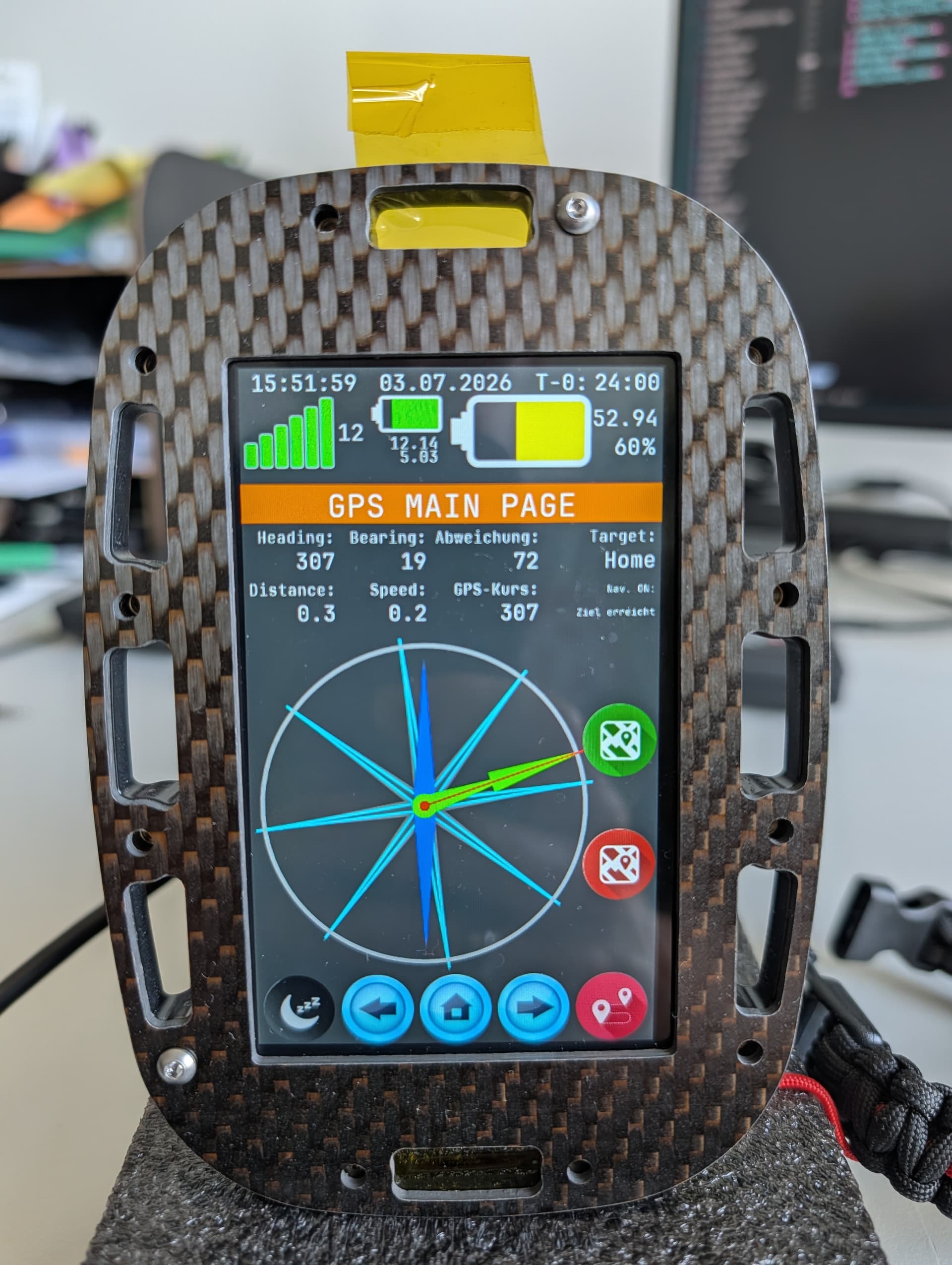
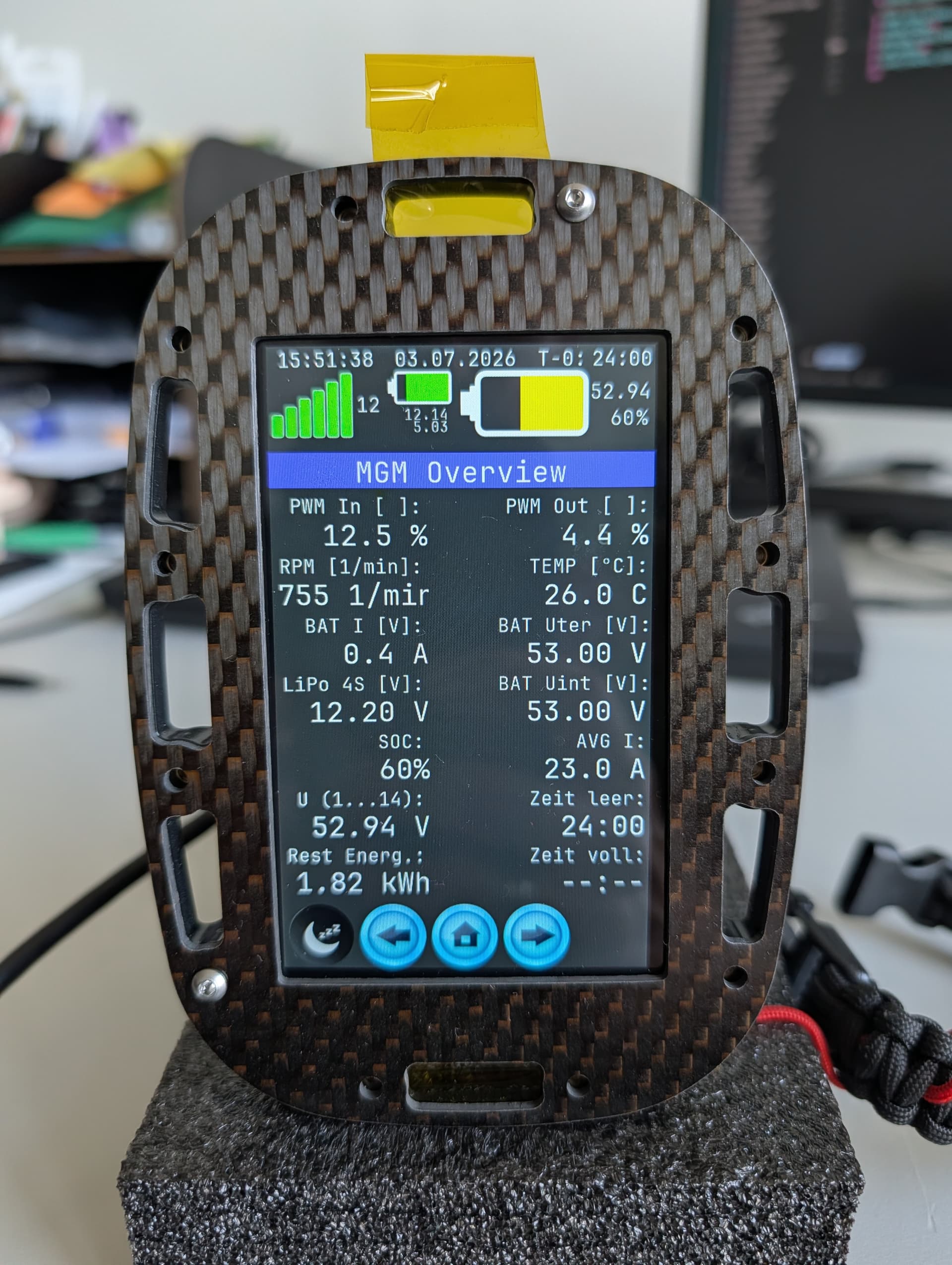
- 19 display pages | Tacho, GPS nav, BMS, motor data, settings, trip log
- 100 Hz live tacho refresh | Ultra-smooth needles and real-time RPM via CAN
- 6 needle styles | Selectable RPM & speed designs via the settings menu
Core Features
 Motor Control & Safety
- Dual Input: Motor control via CAN bus or PWM (configurable).
- Direct RPM Command: 0–6,000 RPM with an expo curve, live telemetry, and configurable output limits (Rookie / Advanced / Pro).
- Air-Catch: Automatically detects airborne states (jumps) and caps motor speed instantly.
- Cruise Control: Hands-free riding with multiple automatic unlock conditions.
- Touch Lock: Screen lock feature to prevent accidental inputs from water spray.
- CAN Heartbeat Gate: Safety cutoff that blocks motor commands if the bus connection is lost.
 Navigation & Battery
- GPS Navigation: Tracks speed, heading, target navigation, return-to-base routing, and distance logging.
- Full BMS Monitoring: Pack state of charge (SoC), cell data, and critical events—mirrored across all display pages.
 System Architecture
- Trip Recorder: Stores up to 5 logged sessions in EEPROM (distance, duration, max speed, max current, energy used).
- Advanced UI: Animated tacho startup sweep, auto-dim/sleep modes, and dual-state toggles with visual feedback.
- Modular Feature Flags: Safety features can be compiled in or out depending on the build environment.
- Non-Blocking Design: CAN, display UART, and GPS communication run asynchronously without blocking the main loop.
- Watchdog + Crash Recovery: Automatic reset and diagnostic reporting on failure.
will keep you updated.
Wish you all a nice weekend,
BR from Switzerland
Fabian