LogTRC Android Beta Testers Wanted (log your rides and share if you like)

Hi all,

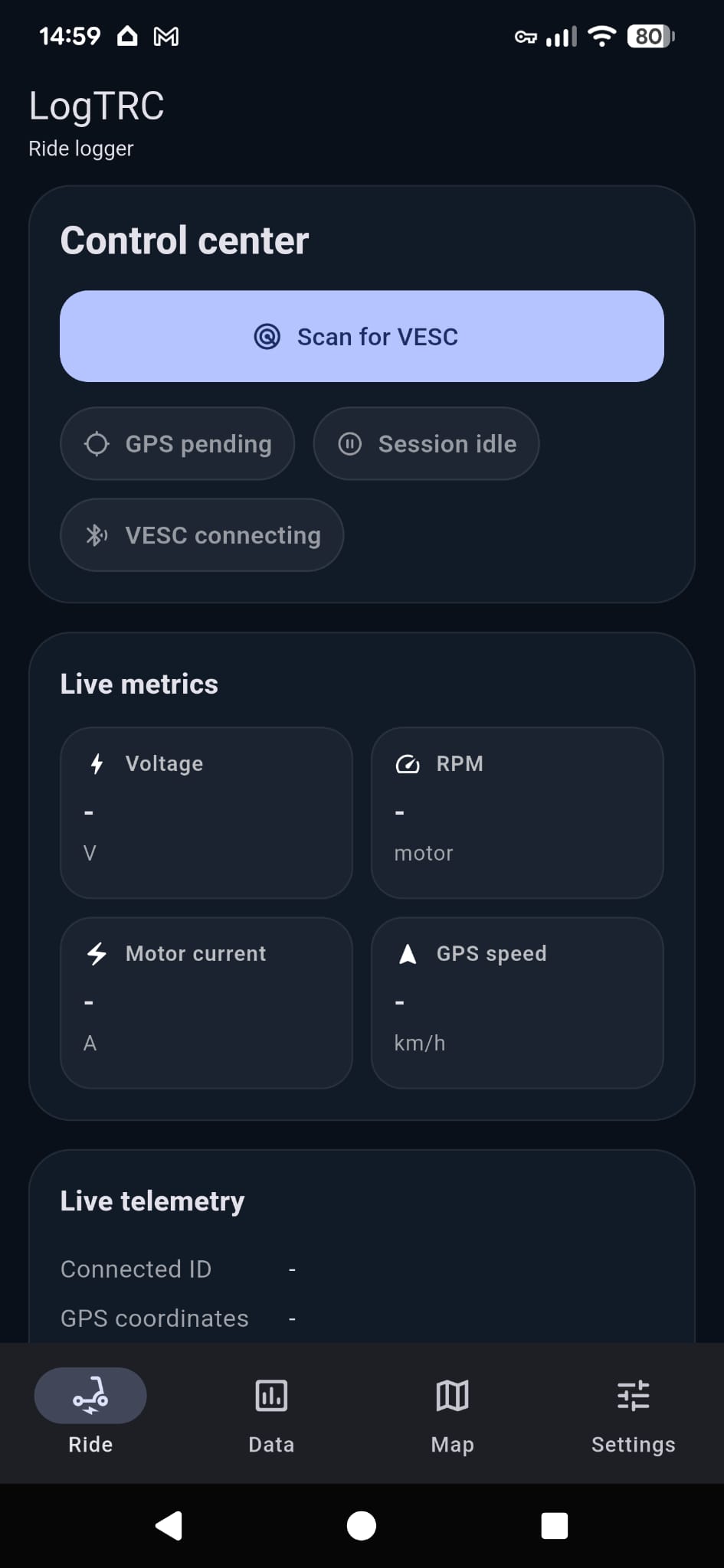
My dad just finished building an app called LogTRC for logging rides with GPS + VESC data (speed, distance, current, temperature, etc.).

Features:

  • GPS ride tracking (distance, speed, route)
  • Live VESC data (current, voltage, etc.)
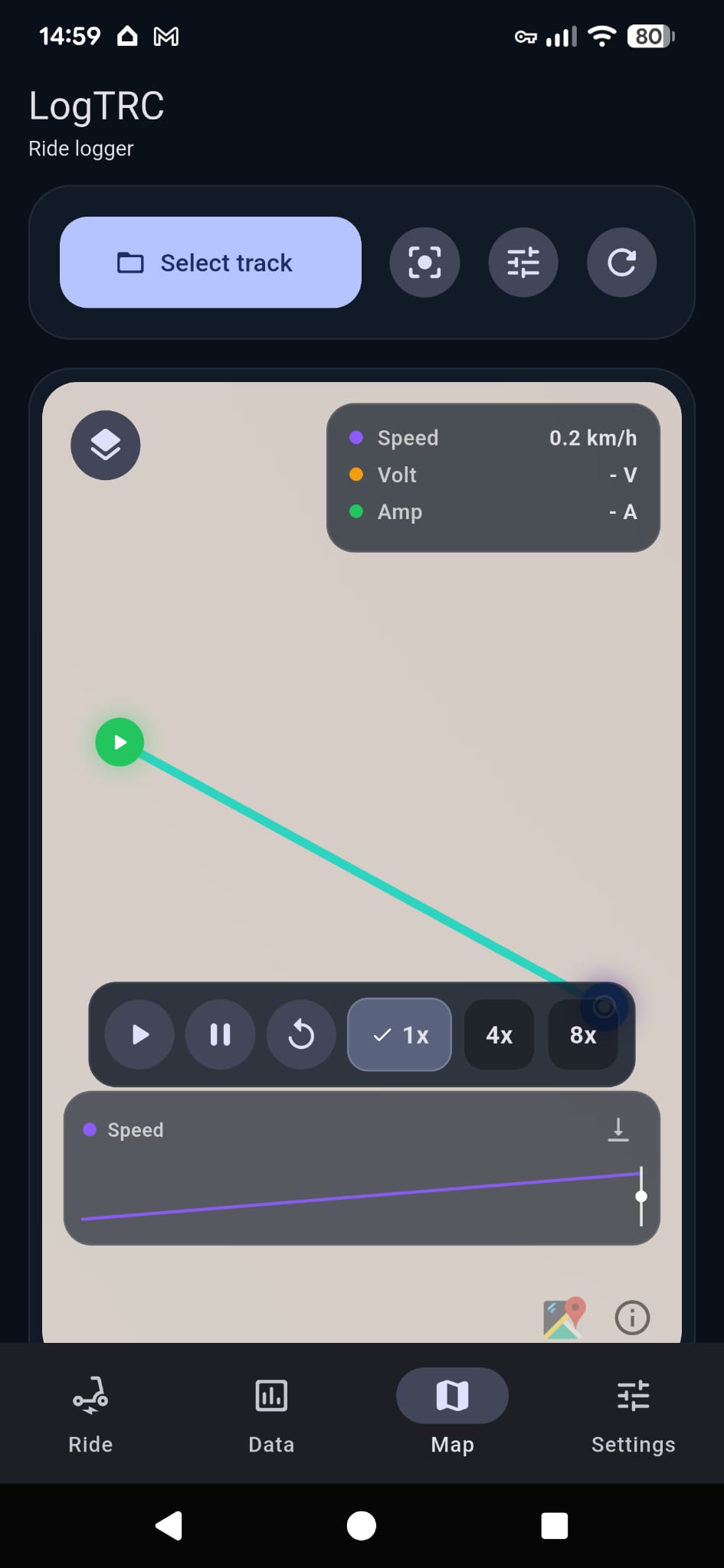
  • Map view + playback
  • CSV export
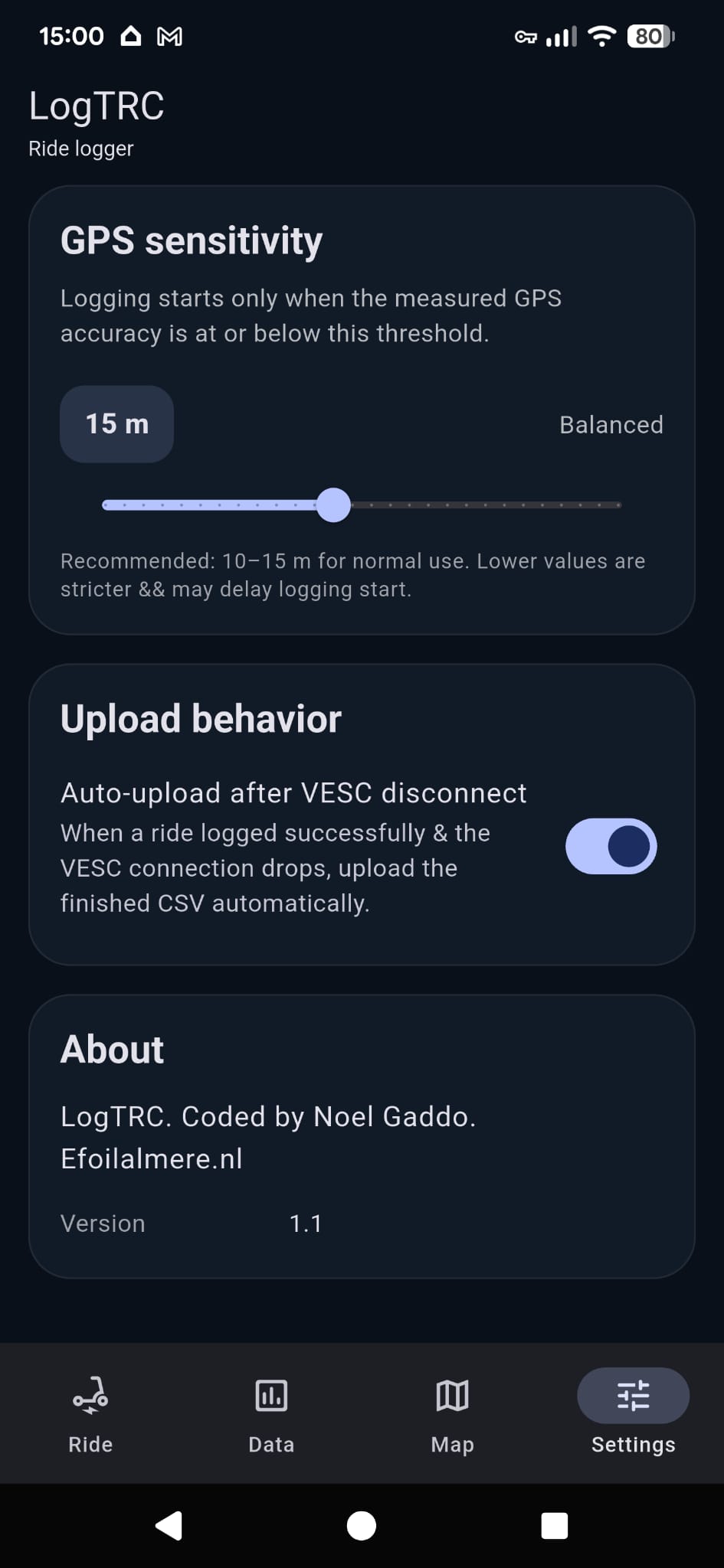
  • Optional auto-upload to www.logtrc.com

The iOS version is already live, and he now needs Android testers to complete Google Play requirements (14 days of testing).


How to join the Android beta (IMPORTANT)

Google requires a small extra step:

1. Join the tester group first:

2. Then join the beta:

3. Install the app:

/!\ Make sure you’re logged into the same Google account on your phone.


This Google Group step is only needed during the testing phase.
Once the app is fully released on the Play Store, this step will no longer be required.


What my dad is looking for

  • General feedback
  • Bugs/crashes
  • GPS tracking accuracy
  • BLE/VESC connection stability

This will really help to get the Android version fully released.

Thanks a lot.

The iOS (iPhone) version can be directly installed from the App Store.
1 Like

Small update.

The iPhone (iOS) version is now live.

Android still need some bèta testers 1st (for 2 weeks) before it can go live on the Play store.

Website will also accept logfiles uploading, so app is not needed.

More info at www.logtrc.com

3 Likes

What an awesome tool!
I really enjoyed browsing through my rides.
Thank you for sharing this with us! :slight_smile:

2 Likes

I got today the informations from @ludwig_bre about this tool.
I uploaded today my track from the last weekend and i am happy about the result.
Best Tool ever.
Great WORK!!!

https://logtrc.com/26061022HRJ

2 Likes

Just checking.
The logfiles are from the Metr logger. Correct?

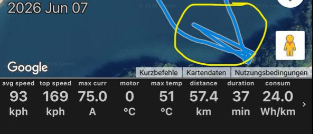
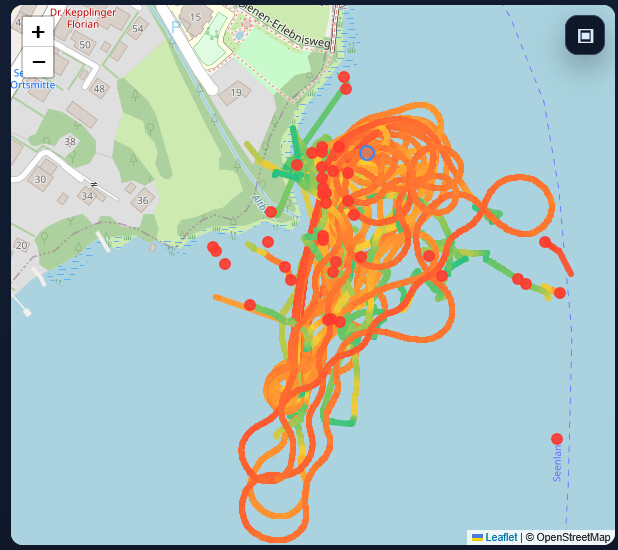
Yes, and metr has suboptimal filtering for GPS glitches, thats why I recommended logtrc to @nice2cu
image
169kph :stuck_out_tongue:

1 Like

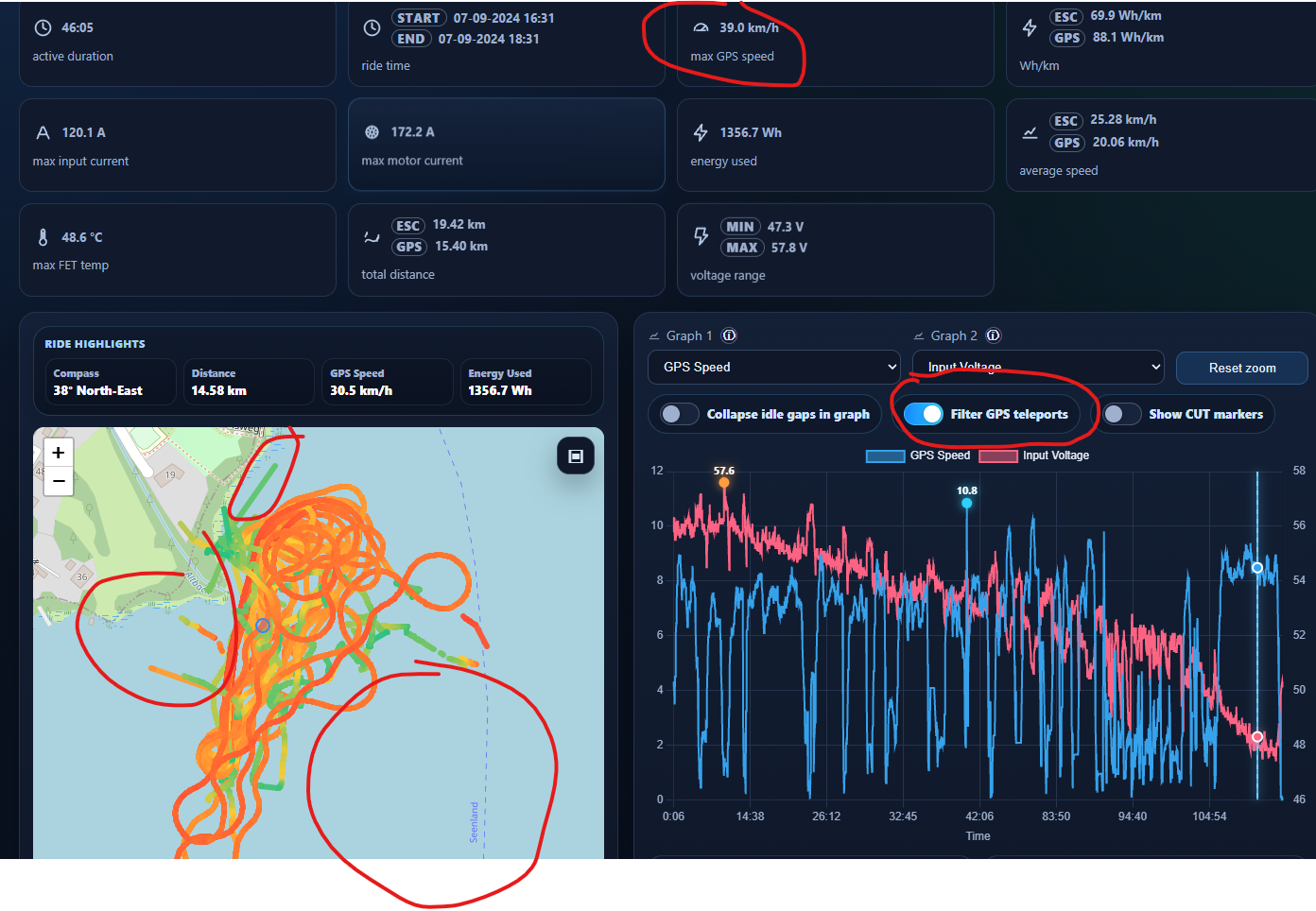
Yes, but here is not a optimum result…
https://logtrc.com/260610G8XBJ

1 Like

I will get my dad to have a look at it, and see if he can fix this “GPS teleport” issues.

Robert. With a little bit of luck the GPS teleport / glitches are now fixed.

Sorry. We had to revert back. The “filter” was causing to many “true” measurements to be removed too.

1 Like

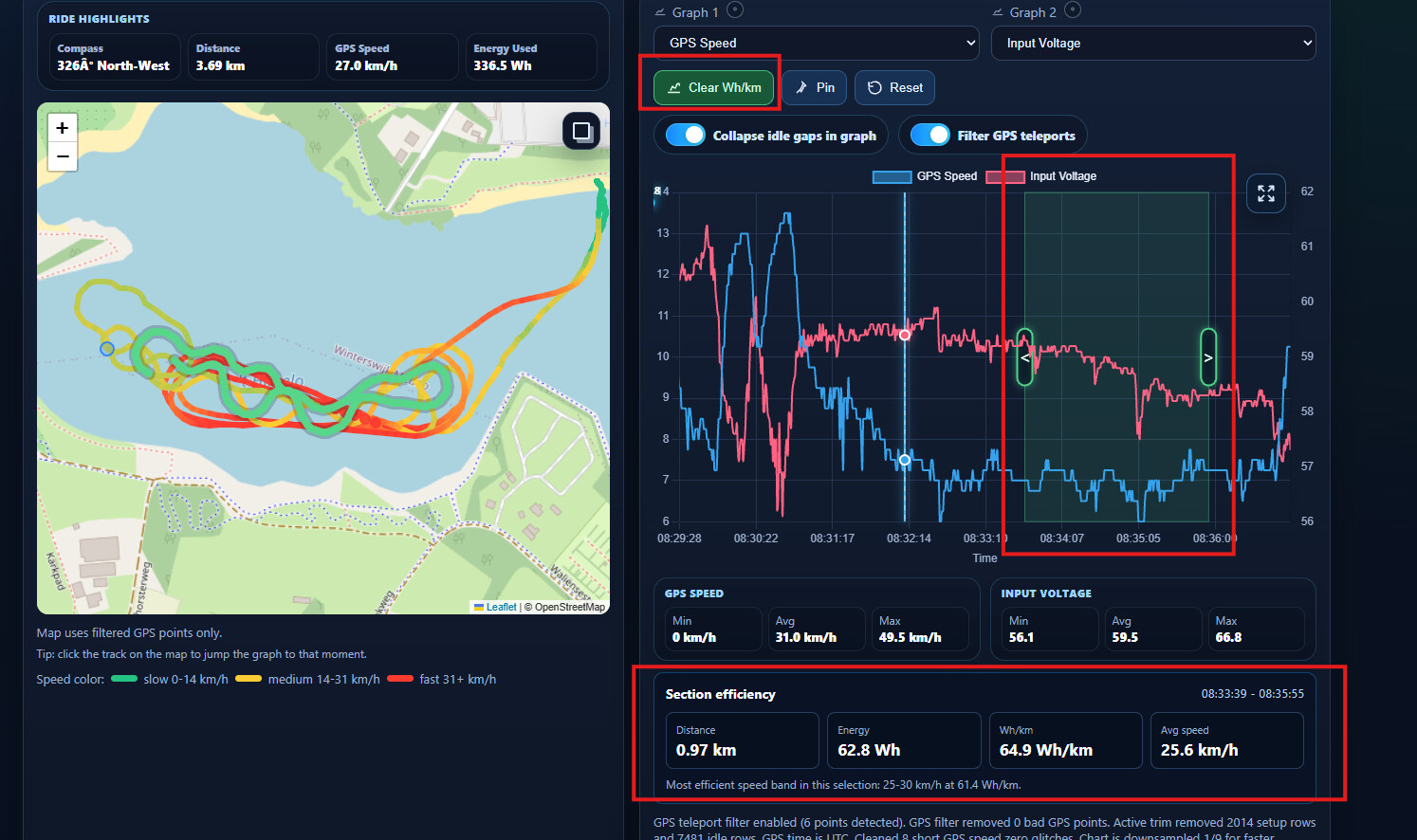
How about a function where the user can select a part of the log and delete manually?

1 Like

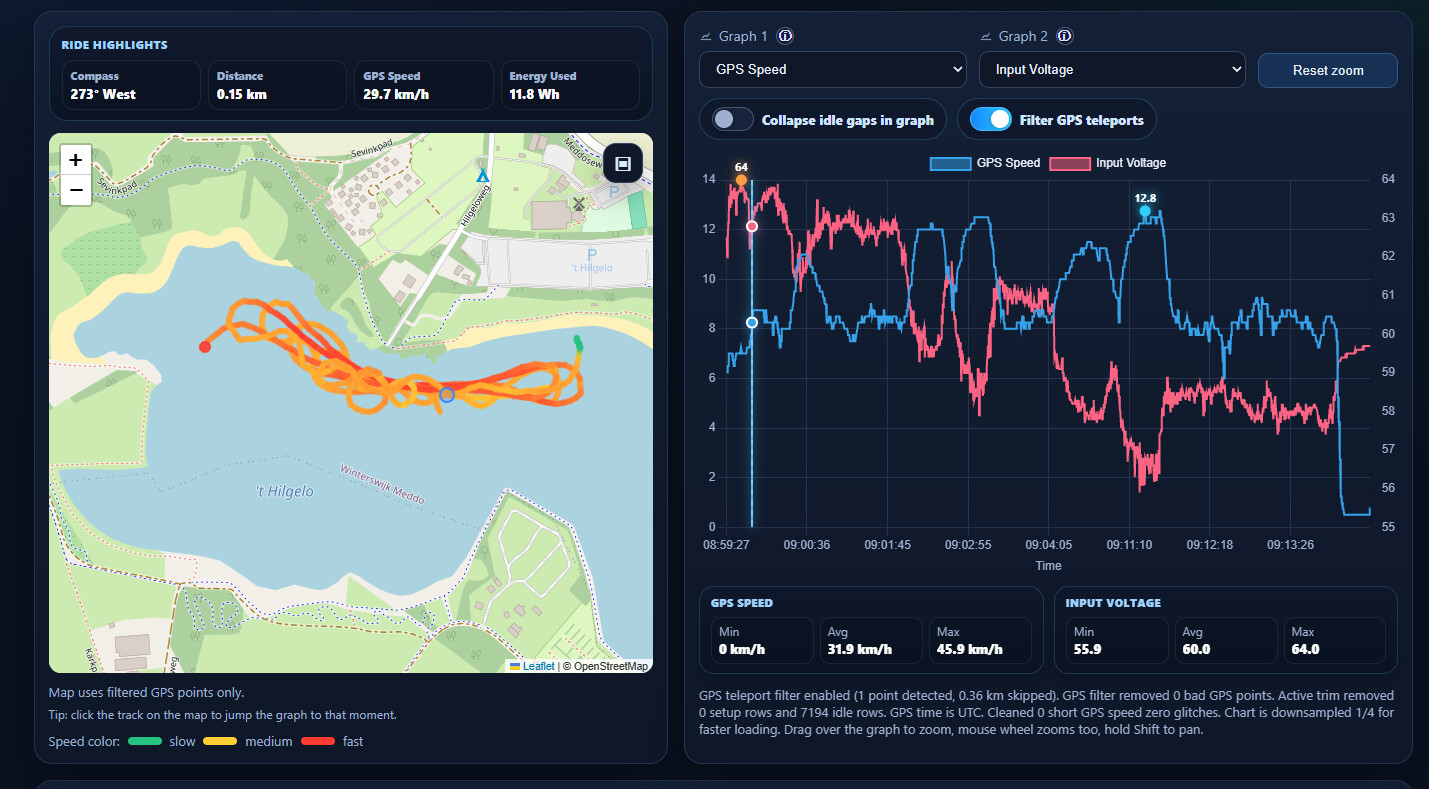
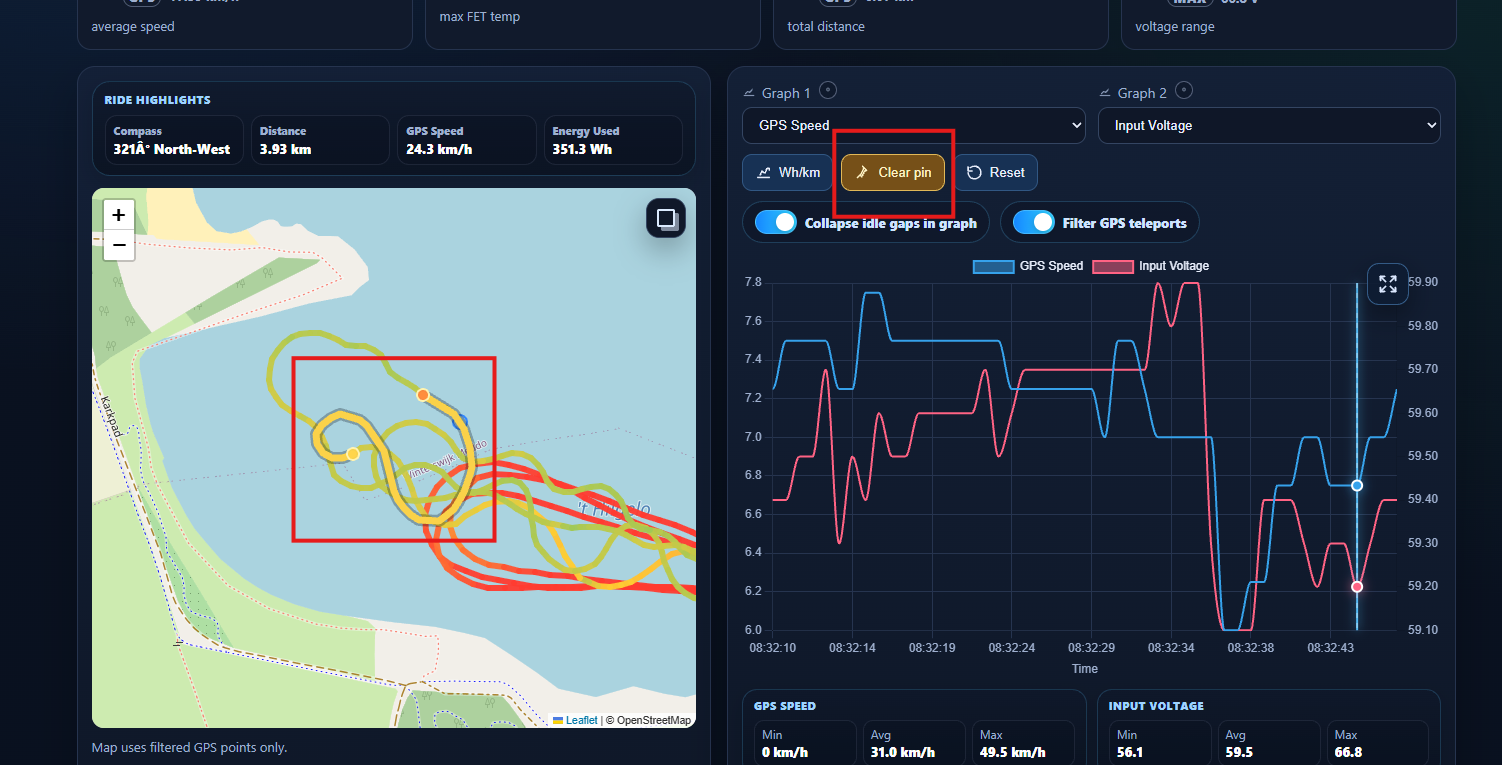
A new “Filter GPS teleports” button has been added.
Note that it is only shown when bad GPS jumps are detected!
When enabled/disabled it will update the data on the page too.
The filter GPS teleports does need some more fine tuning.

5 Likes

Hi, i see a much better result but…

Like Ludwig said it before, it can be nice to have a manual editing possibilitie delete such jumps.

1 Like

True.

We have 3 options.

1 - Users need to create an account to be able to edit, delete, and save their runs. (We do not want other users to be able to edit someone else’s runs.)

2 - Users can immediately, after uploading, select parts to be deleted and save the result. After this, editing is no longer possible. (No account required.)

3 - Leave things as they are with the “Filter GPS Teleports” option.

We prefer option 2 or 3 :slight_smile:

1 Like

I personally don’t have a problem with accounts for those advanced features
But option 2 is also perfectly fine imo

1 Like

Some exciting new changes when using the Upload option from the logtrc.com website.
(using the LogTRC app will still work as before)

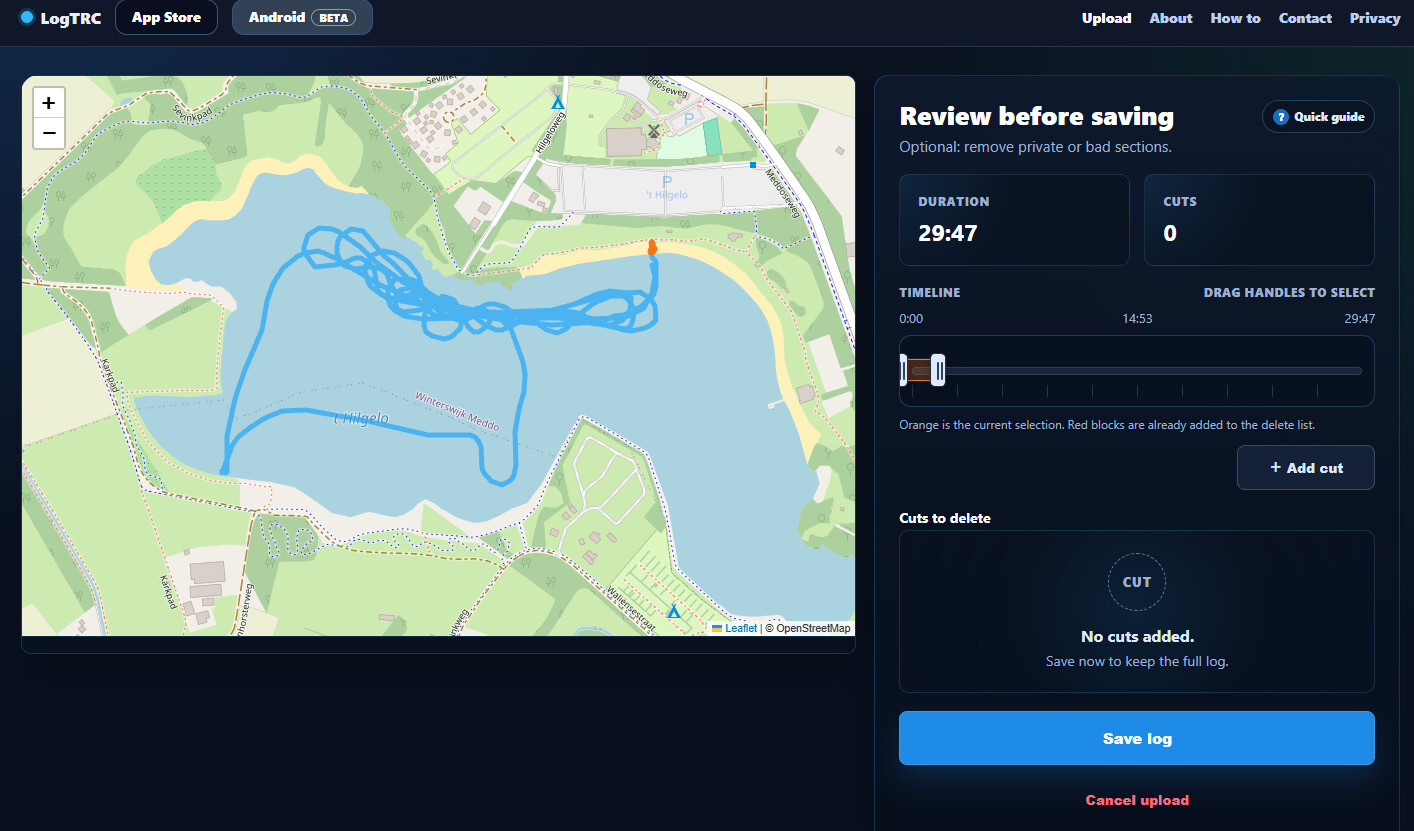
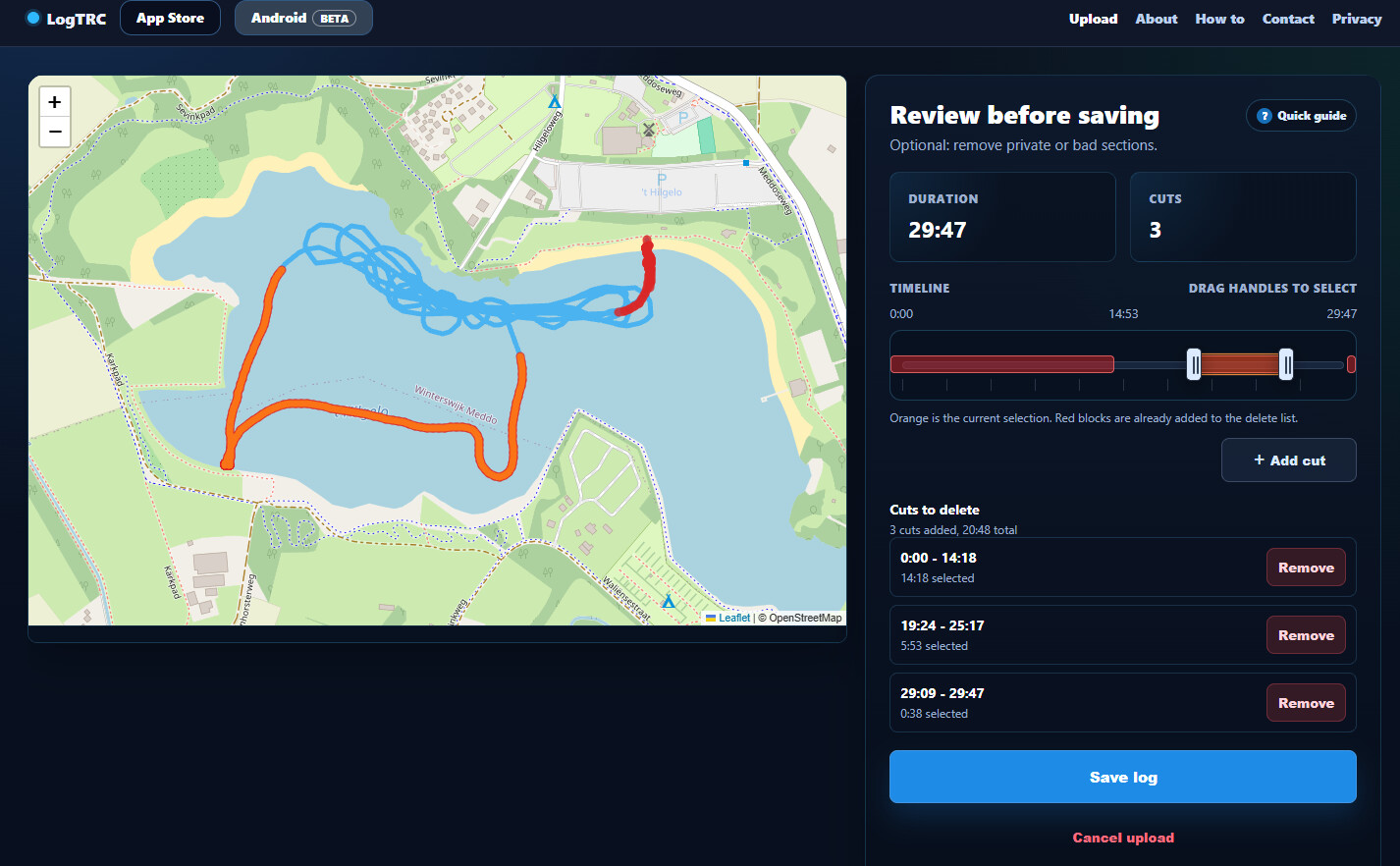
You can now cut parts from a track before showing it to the world.
Great for hiding “secret” places, such as where you start, take a break on the beach, finish your ride, and other locations you may not want to share :slight_smile:

Clean track

Added cuts

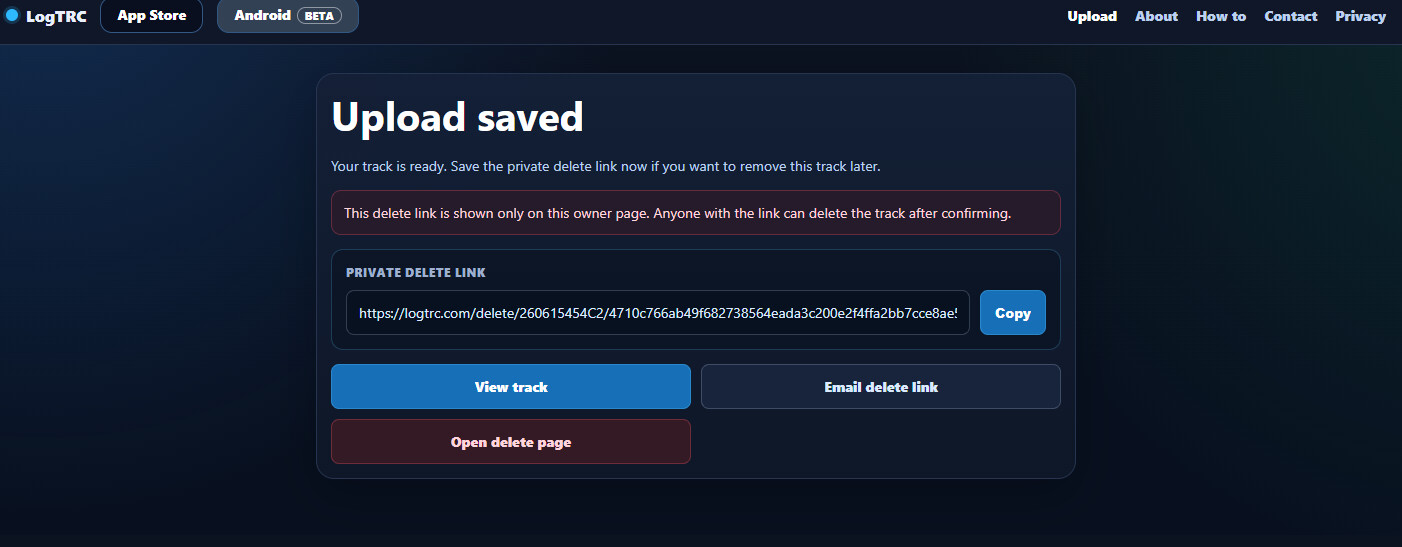
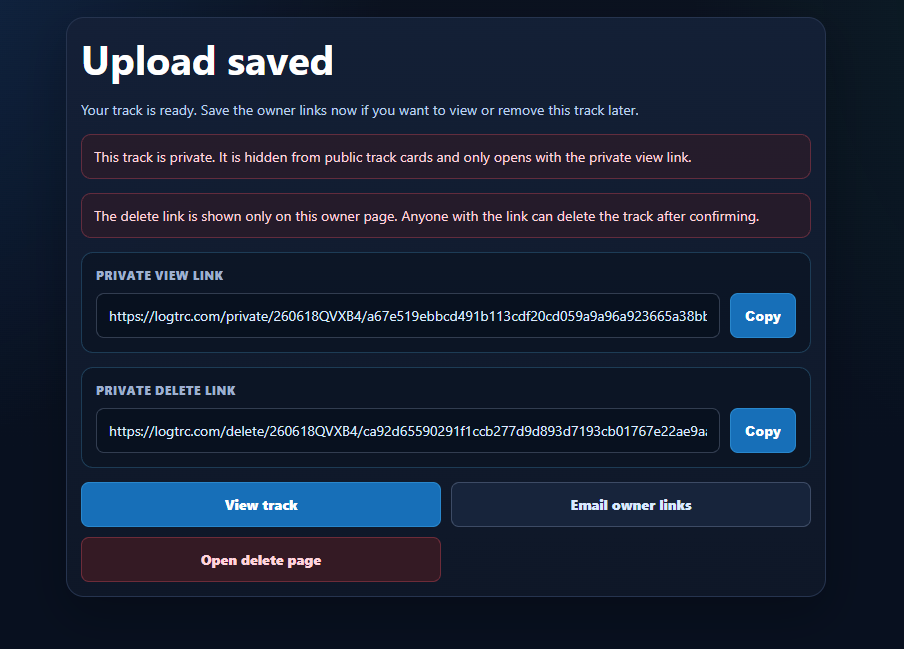
We’ve also added email and delete options.

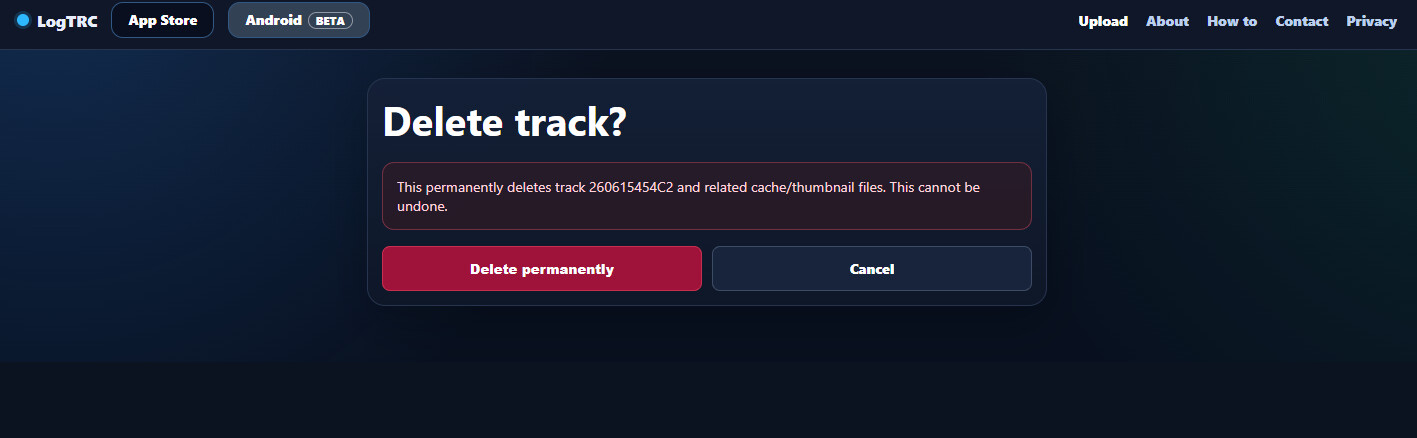
Delete a track using the one-time delete link provided.

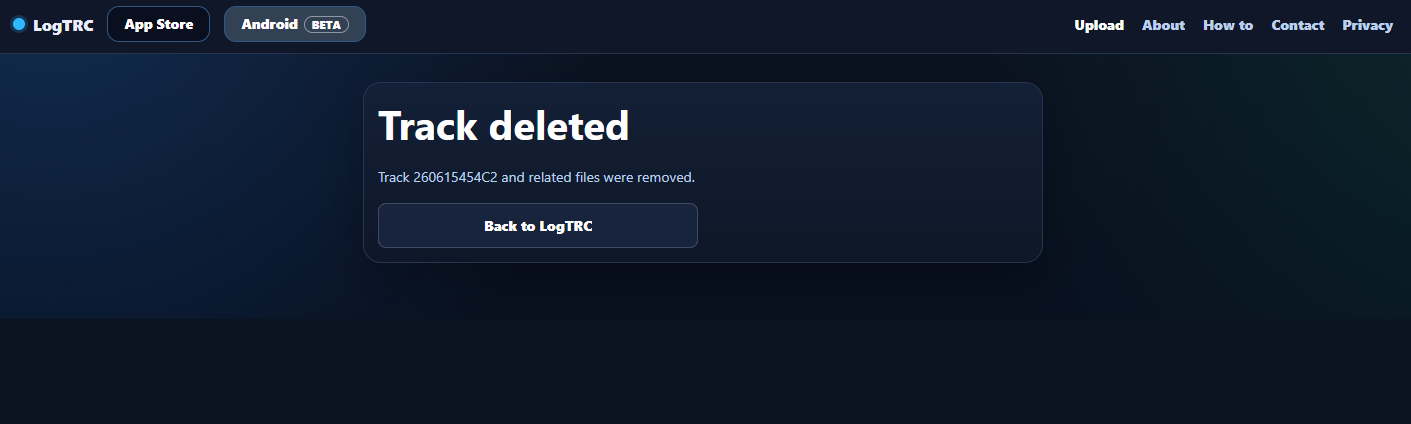
This is what is shown after a track has been deleted.

5 Likes

hi kian. can you give a litle more practic info for me. (i am a app nurd) so i download the app on smartphone or tablet? how to get data from vesc to this app? over the remote? (need to record on remote first / flipsky VX5?) or just plug in the vesc by cable? (same as i plug in to program vesc) (so vesc is recording all this info? or is it the remote that is recording…) yes sorry all unknow things for me

1 Like

LogTRC is an app that runs on your smartphone (iOS and Android). The app connects directly to your VESC over Bluetooth (just like the VESC Tool app does). You do not need to record anything on the remote, and the remote is not used for logging.

The VESC itself provides the live data (voltage, current, temperature, RPM, etc.) over Bluetooth. LogTRC reads this data and records it together with the GPS data from your phone.

So the setup is:

  1. Install LogTRC on your phone.
  2. Connect LogTRC to the VESC via Bluetooth.
  3. Make sure GPS is enabled on your phone.
  4. Start your ride. (You will need to take the phone with you!)
  5. LogTRC records both the VESC data and GPS track automatically.

After the ride, the log can be uploaded to LogTRC (if you enabled Auto-upload in LogTRC, it will upload the log automatically when you turn off the eFoil) and viewed online with maps, graphs, speed data, battery data, temperatures, and much more.

If you prefer to use VESC Tool instead of LogTRC, that’s possible too. :slightly_smiling_face:

  1. Connect your phone to the VESC using the VESC Tool app.
  2. Go to RT Data.
  3. Enable Data Logging
  4. Go for a ride. (Again, you will need to take it with you!)
  5. Stop logging when finished
  6. Export the log file from VESC Tool.
  7. Upload the file to LogTRC.

The disadvantage of VESC Tool is that you need to manually start/stop logging and upload the file afterwards.

One small note: VESC Tool logs only the data coming from the VESC. If you also want a GPS track, speed map, route, and location data, you’ll need to enable GNSS logging in VESC Tool (if your setup supports it) or use LogTRC while riding.

If your VESC does not have Bluetooth built in, you will need a Bluetooth module connected to the VESC first.

Other logs like BREmote, VESC Express, Yours Truly and METR can also be uploaded logtrc.com, and will be nicely ploted.

3 Likes

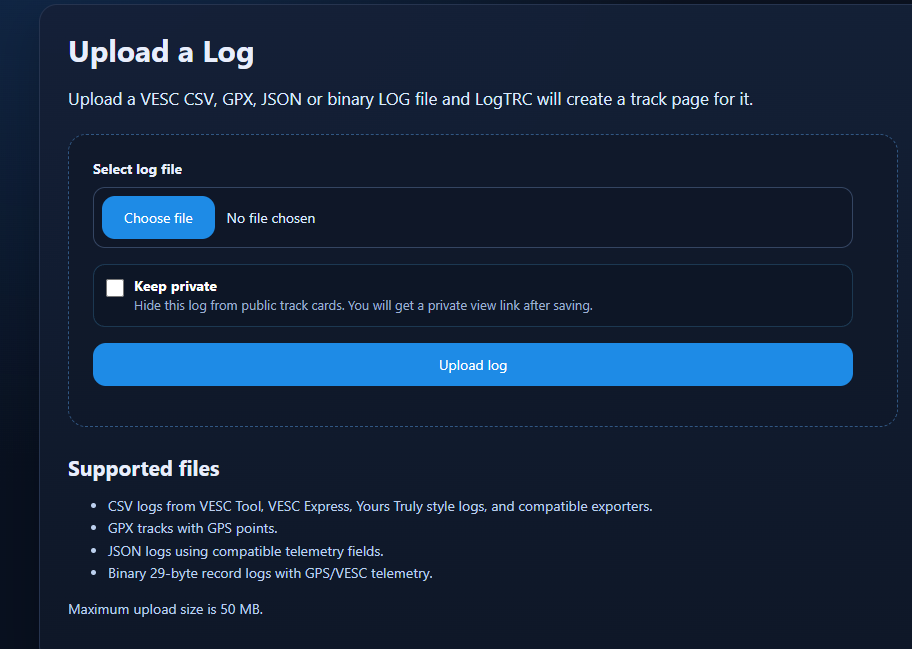
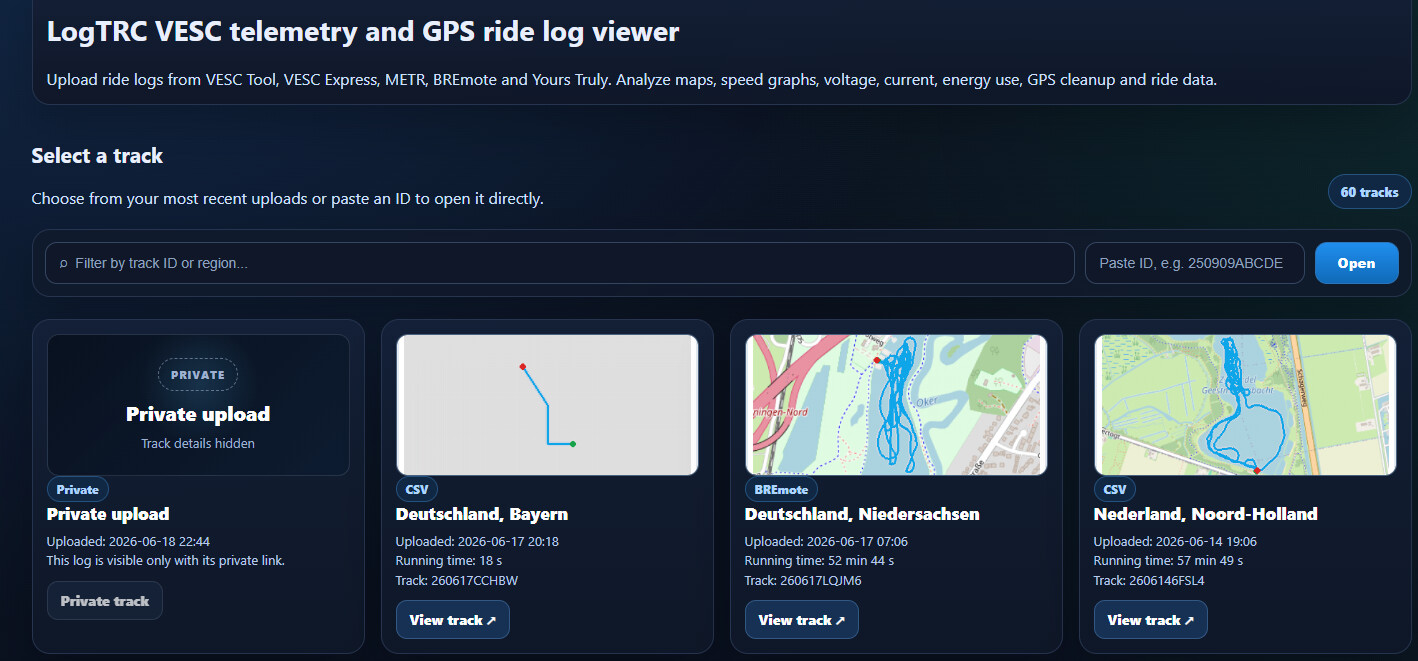
Added by request a “keep private” option.

3 Likes