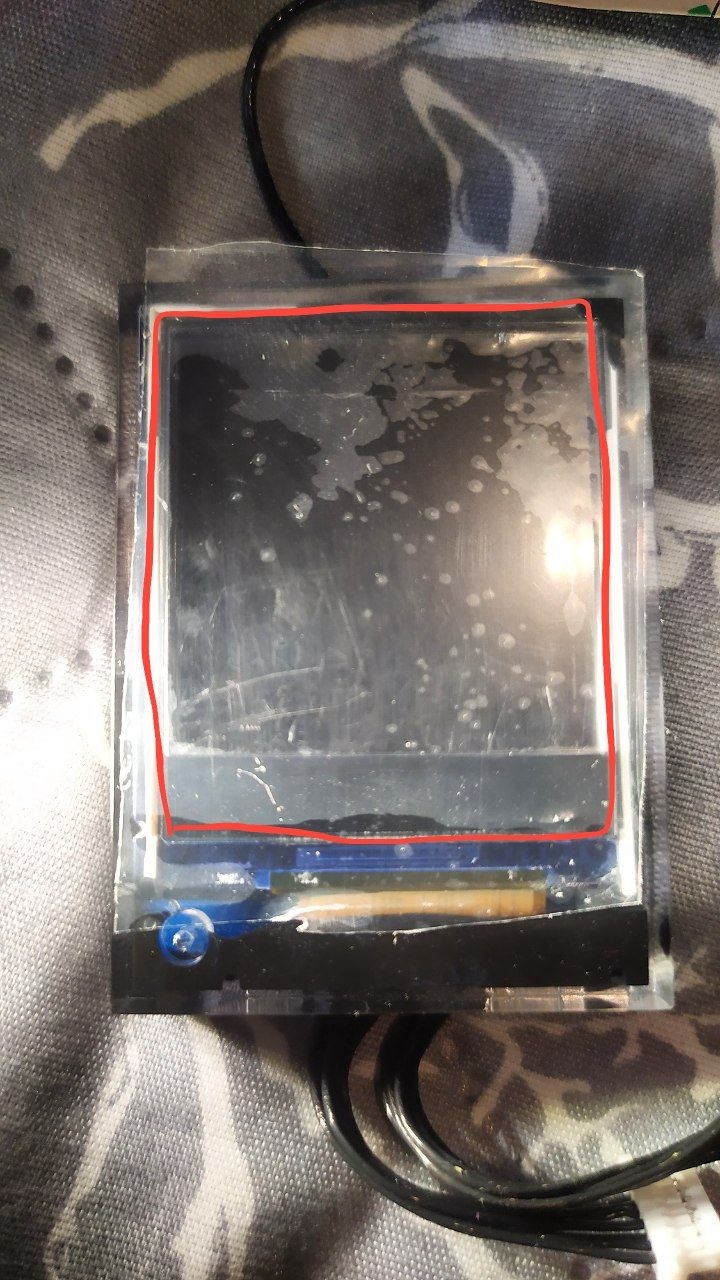
Thanks for the advice—it was basically a waste of money; I only used it twice. I thought it was just a minor leak. FlipSky refuses to honor the warranty. I’m really frustrated. Terrible remote control.
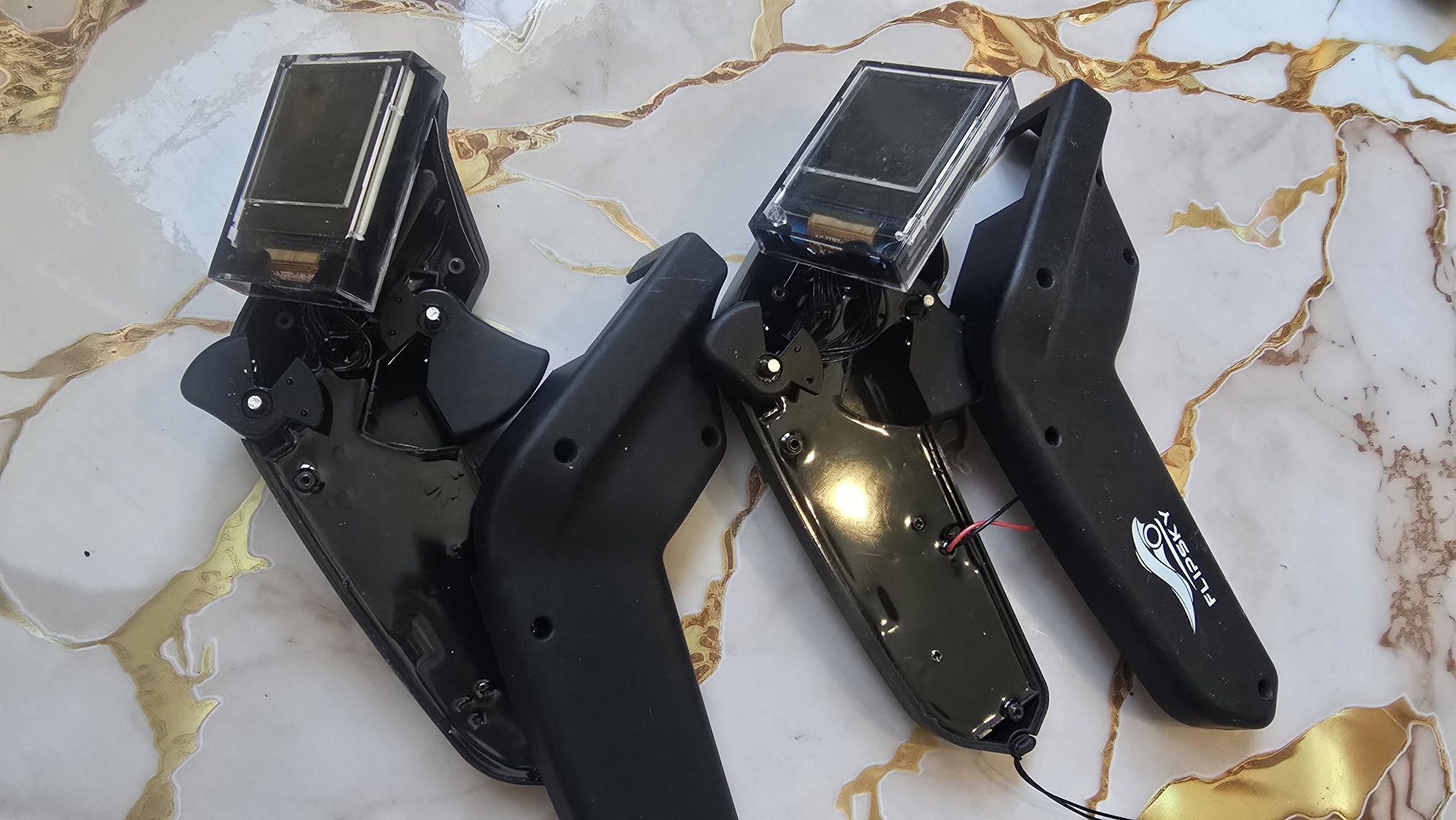
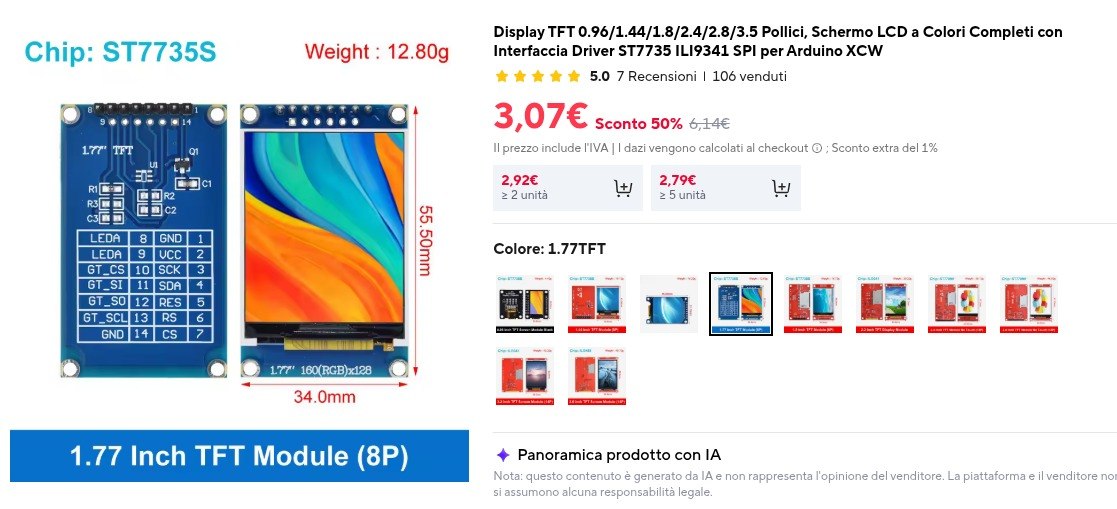
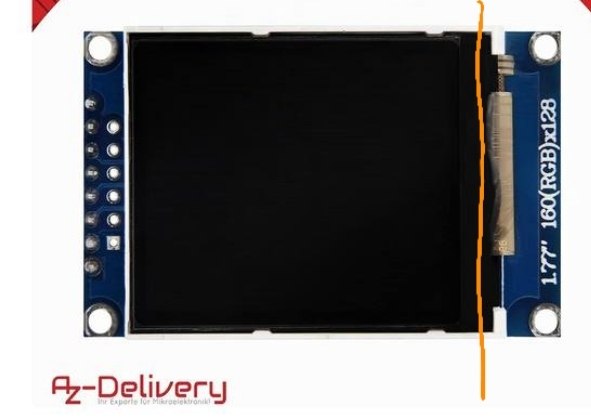
I share with you the experience of a Russian group for repairing the VX3 Pro using a generic Arduino shield. How to replace the VX3 display (short guide):
- Remove the original plastic bezel using a metal spudger along the edge.
- Pry up and pull out the display with the potting compound and PCB.
- Detach the screen from the PCB.
- Heat the compound with a hot air station. Use a toothpick or plastic tool to scrape off the softened compound — it should come off easily.
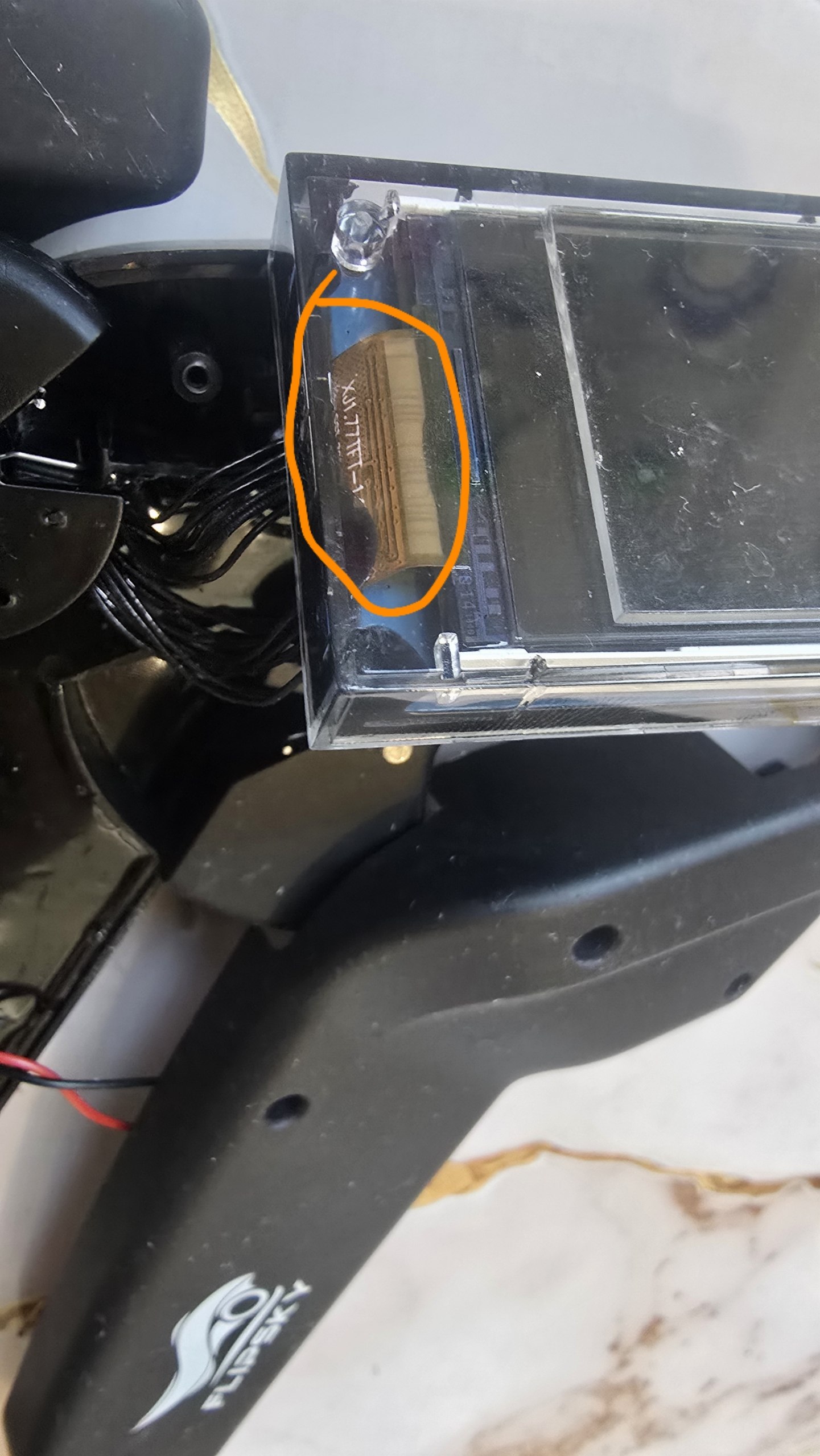
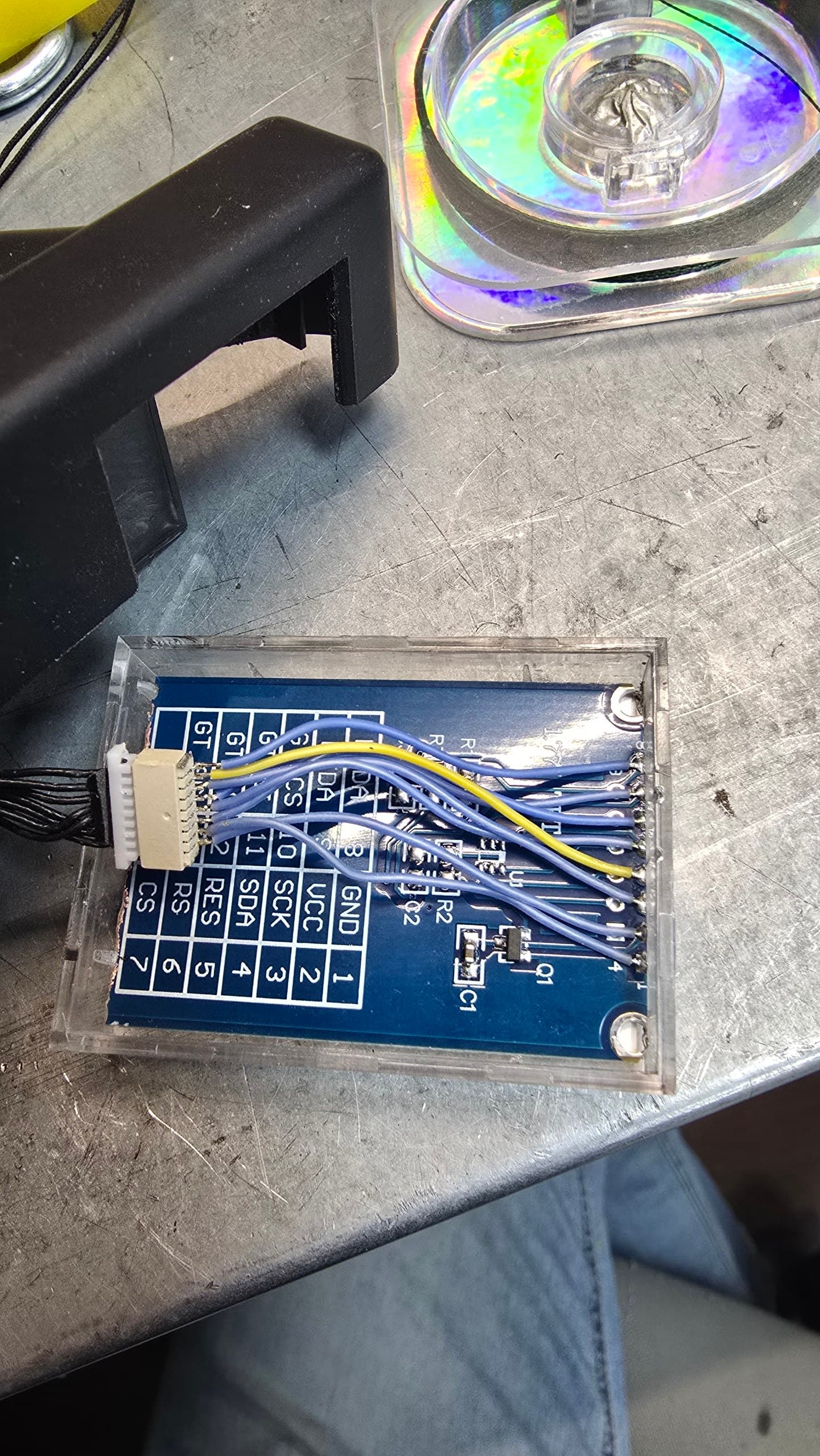
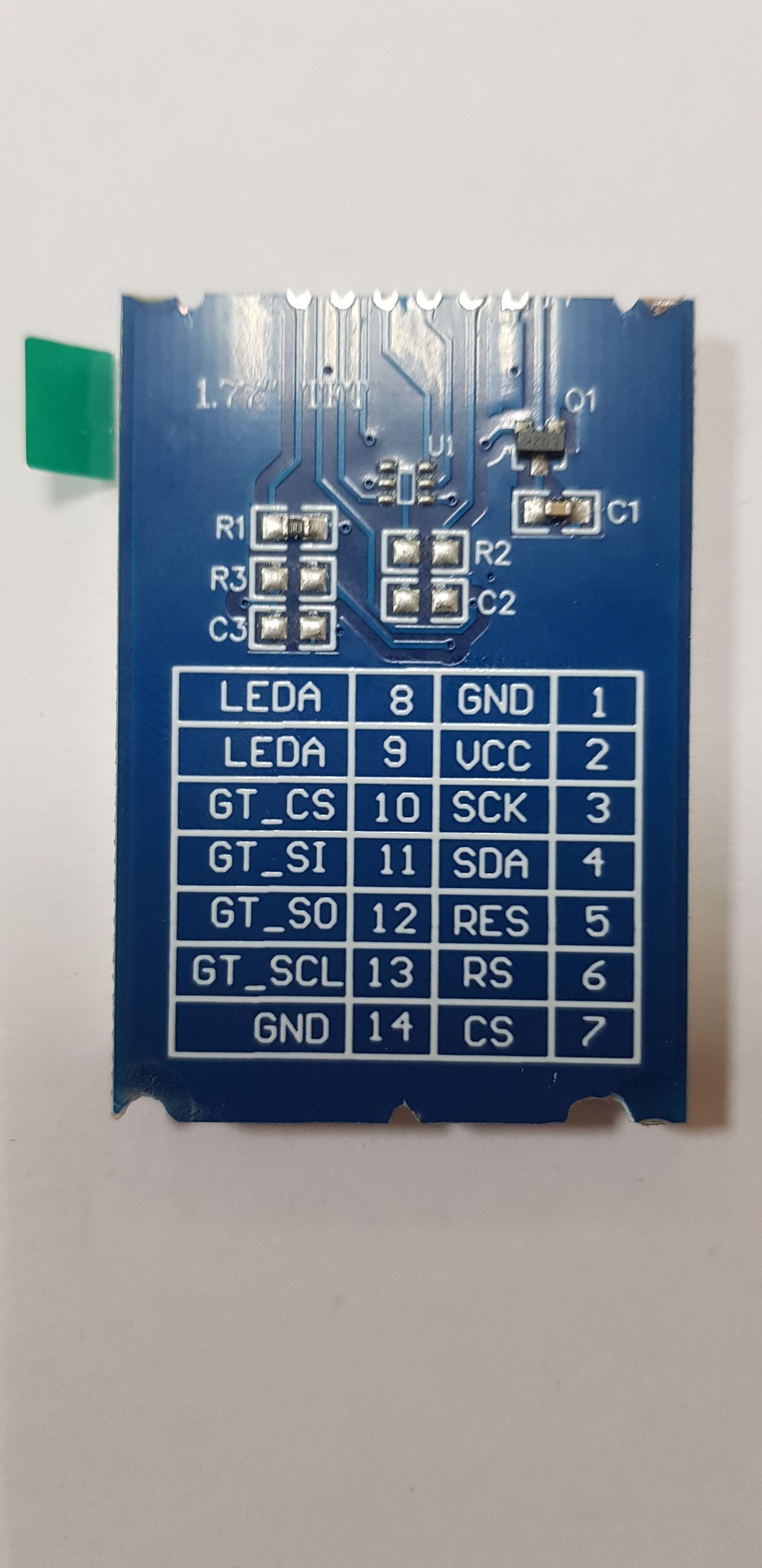
- Goal: disconnect the flex cable connector from the PCB without cutting wires, so you can access the PCB markings (pinout labels).
- Desolder the pins from the new display’s PCB.
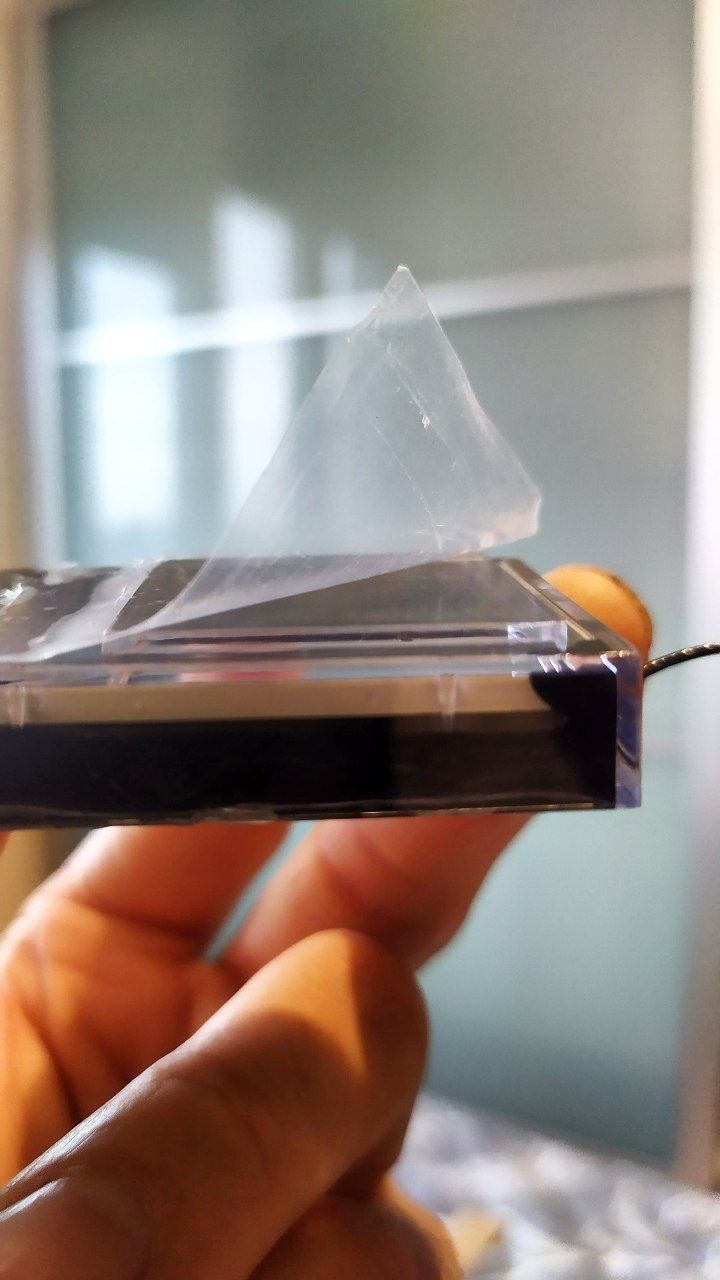
- Use a thread (floss) to separate the new glass screen from its PCB.
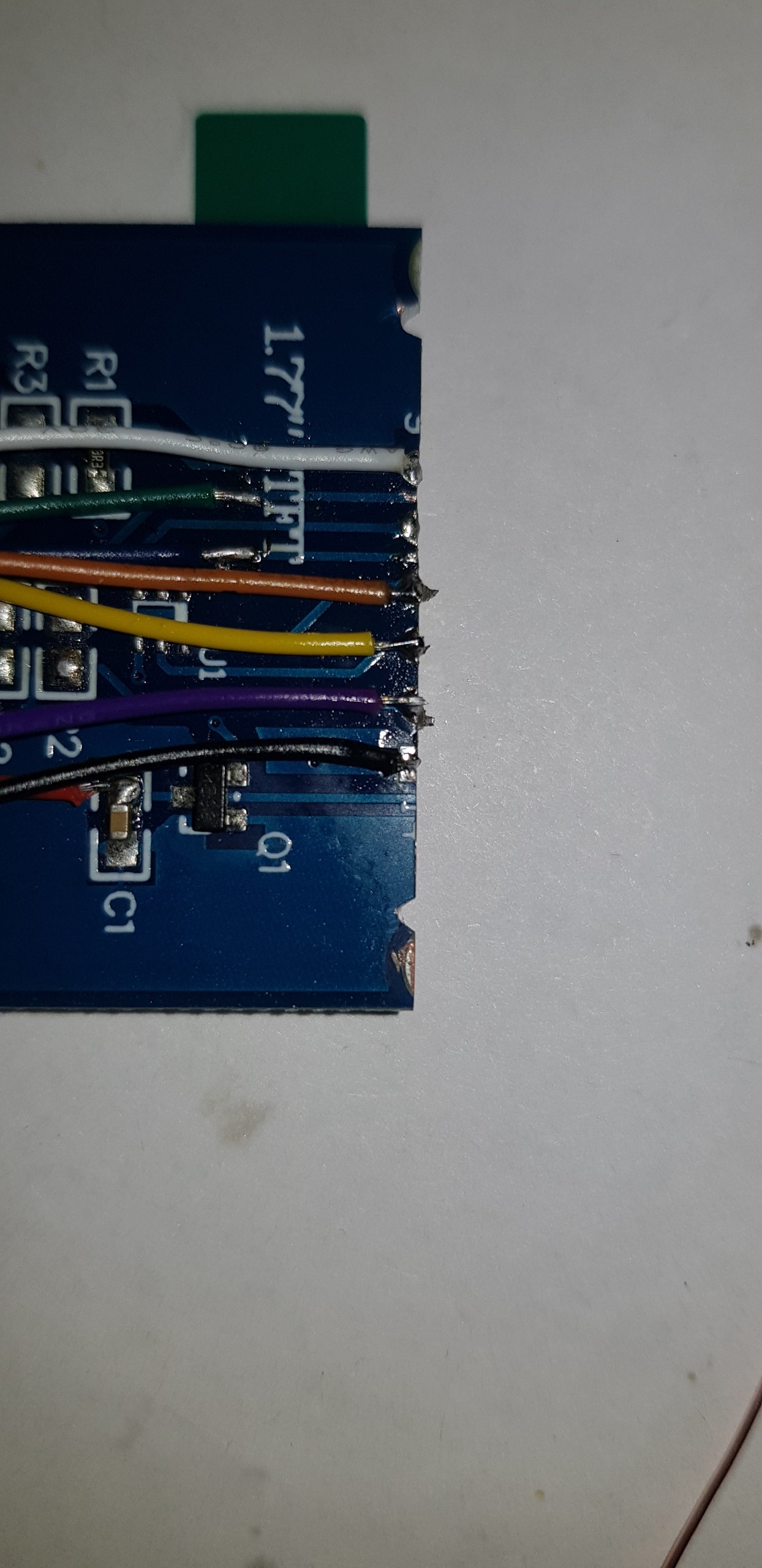
- Solder the new display wires to the original VX3 PCB according to the pinout labels.
- Glue the new screen slightly higher (offset) to match the bezel window.
- Trim the new display’s PCB with scissors or a Dremel if it’s too large.
- Glue the whole assembly back into the original plastic bezel.
1 Like