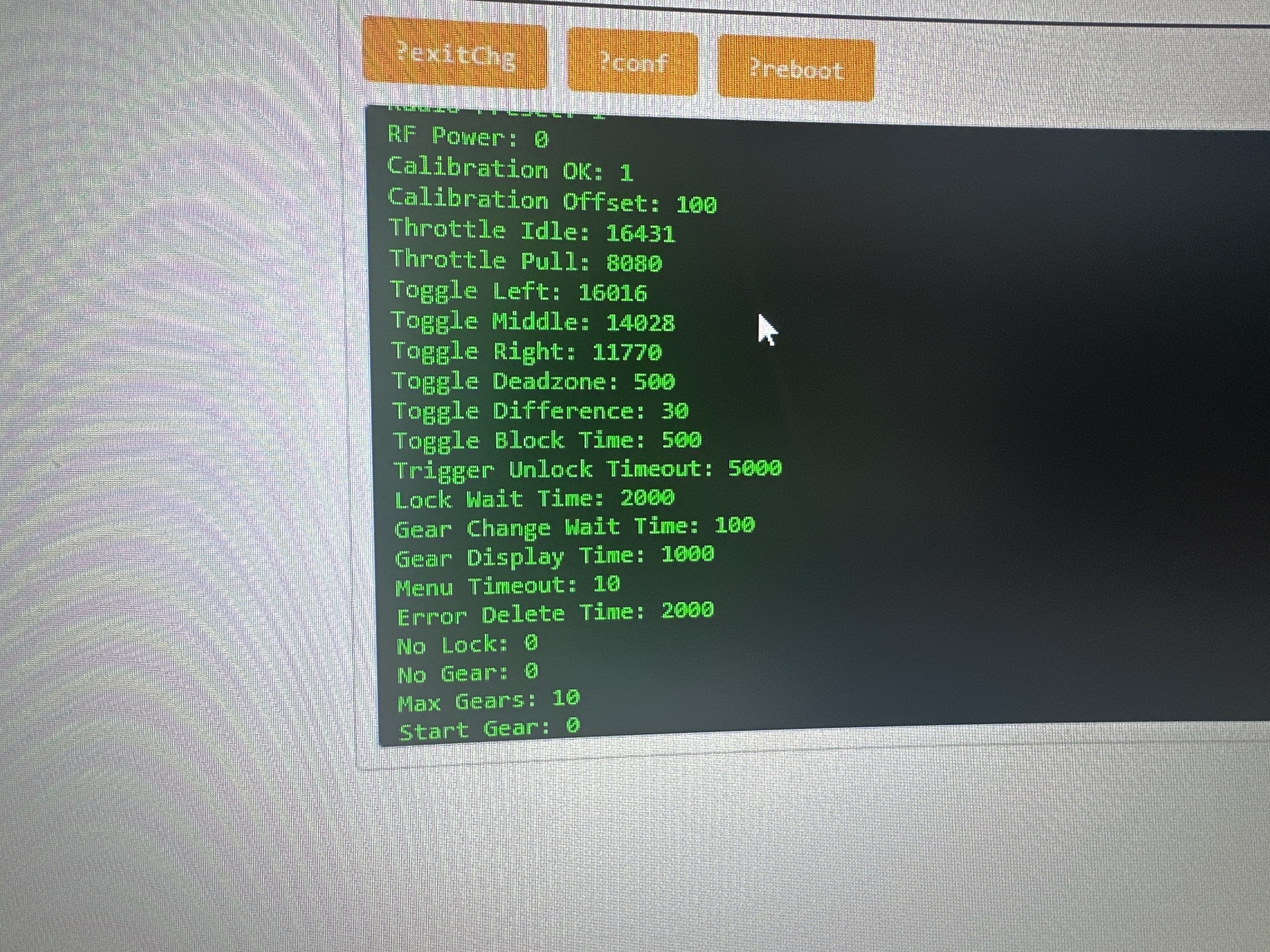
TX config
Please send me the config string, so the thing that you input into the configuration page
Both for Rx and Rx
Ok I will but this is what I get when plugging in the rx.
I’ve tried a number of cords and this is only one that worked I’m away for work for a week next swing back I’ll try and find a cable used for data hopefully it will work.
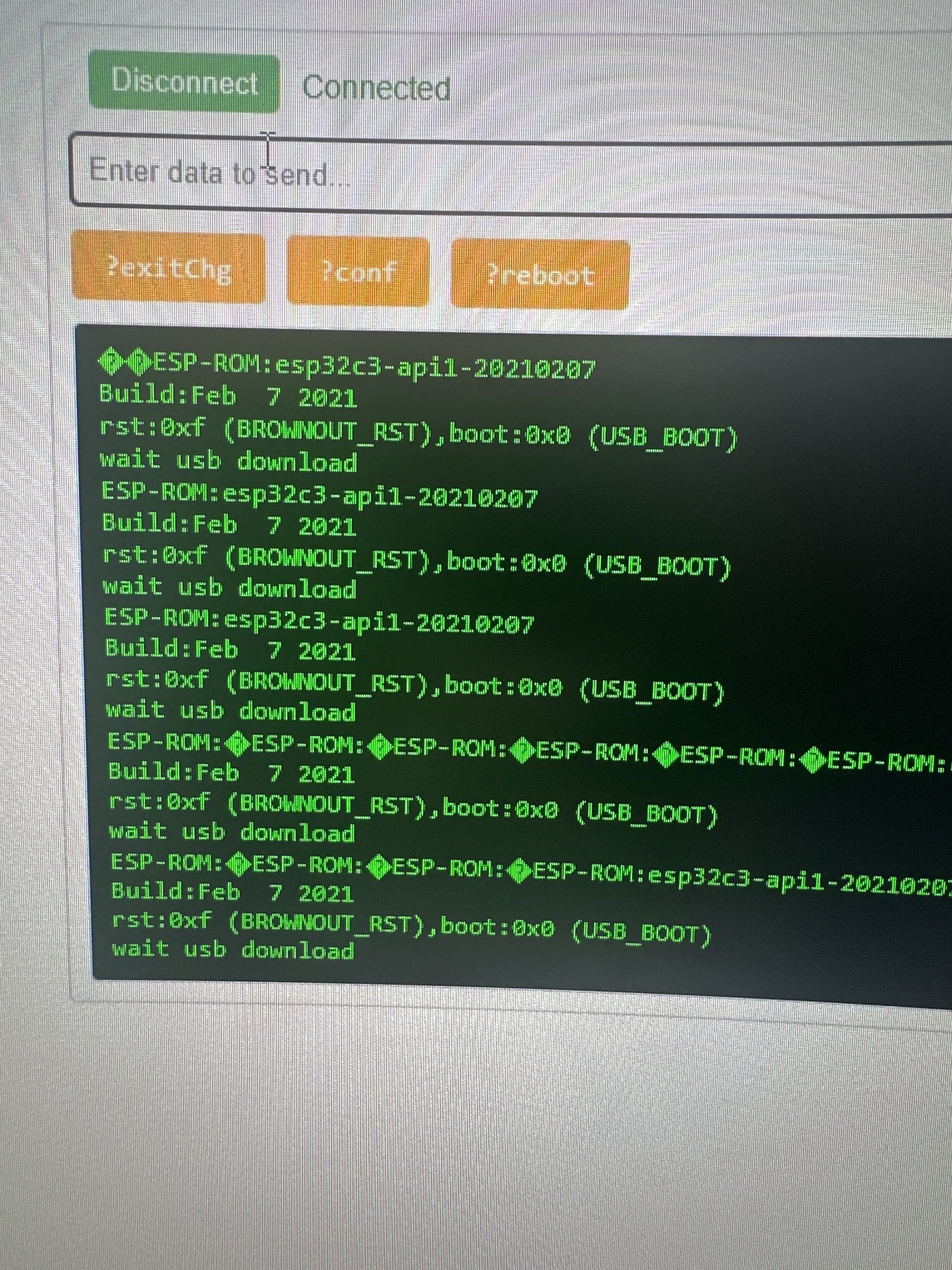
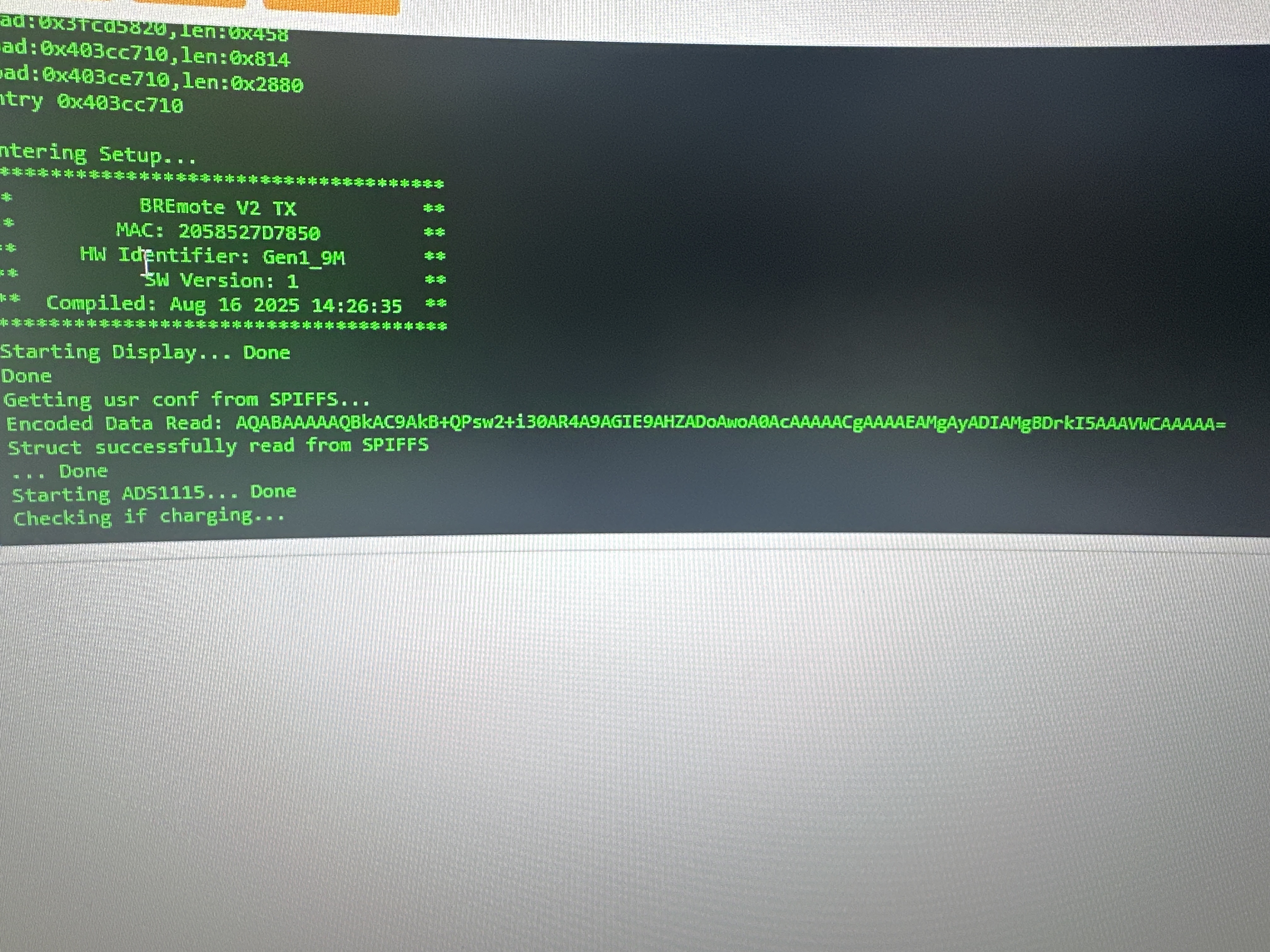
Bottom pic is TX config string
Rx has a power problem
Please disconnect everything and try again
What have you connected? Please send an image of RX both sides
Also please send me the codes as text, I won’t type them from the image
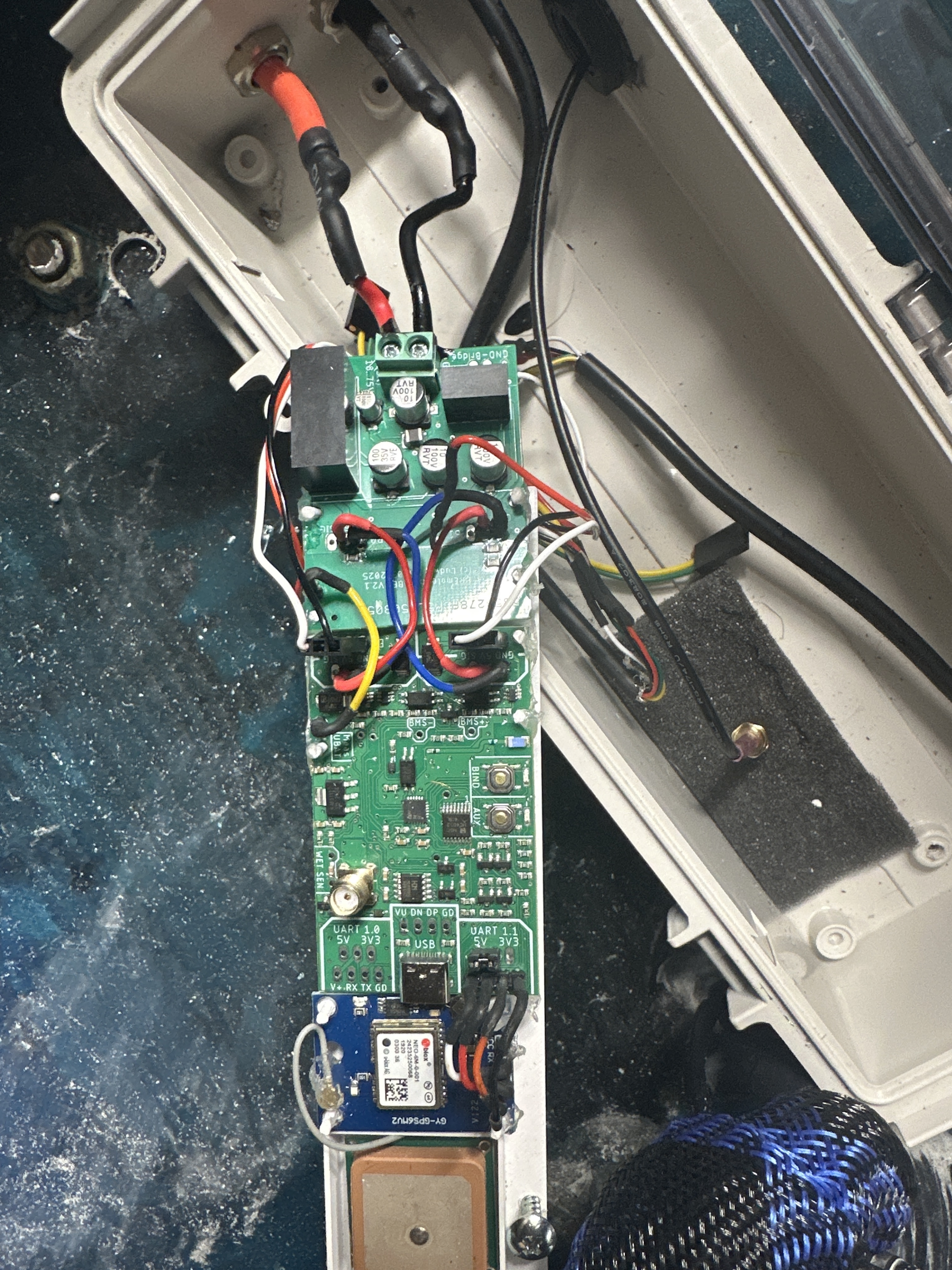
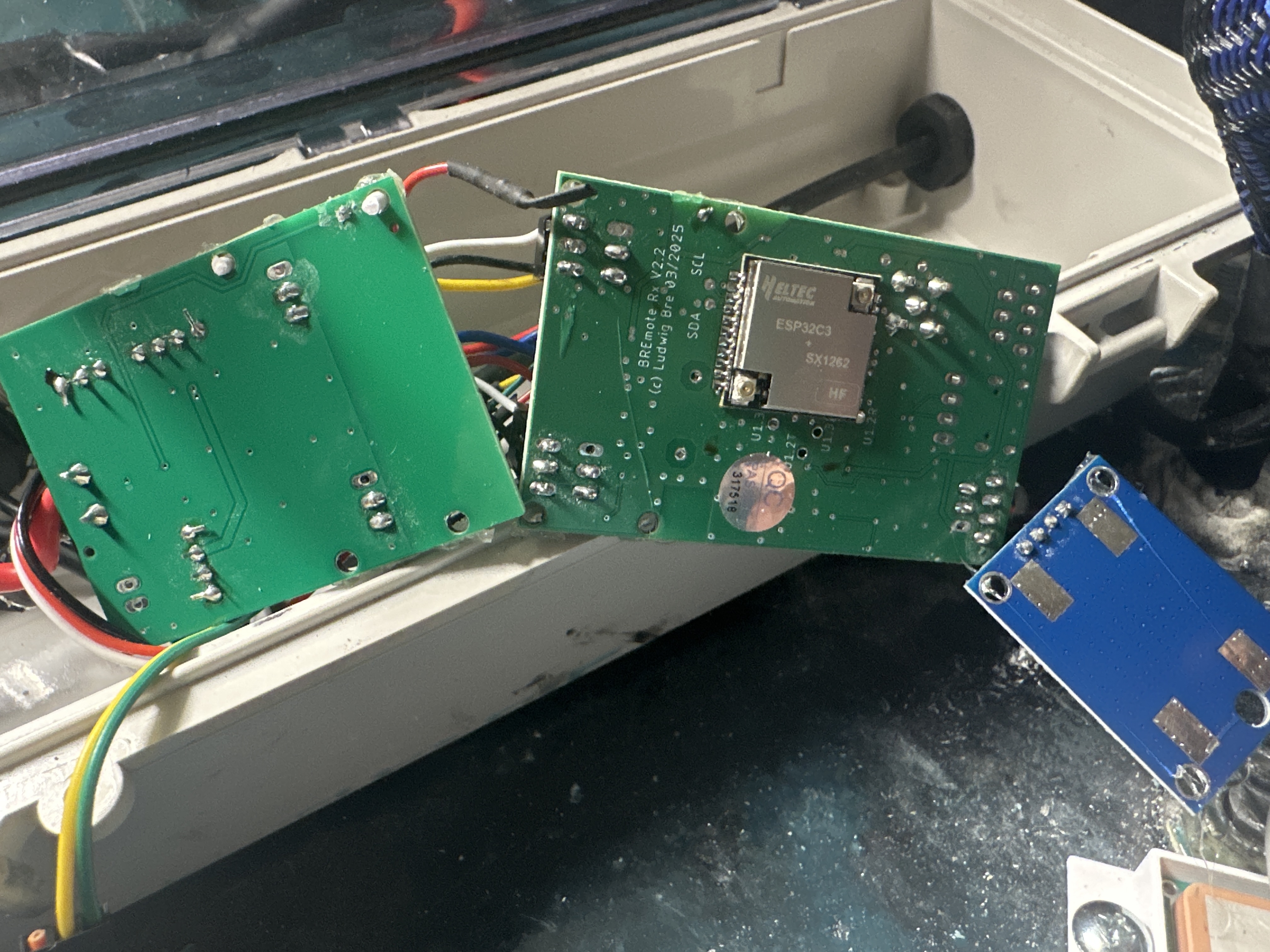
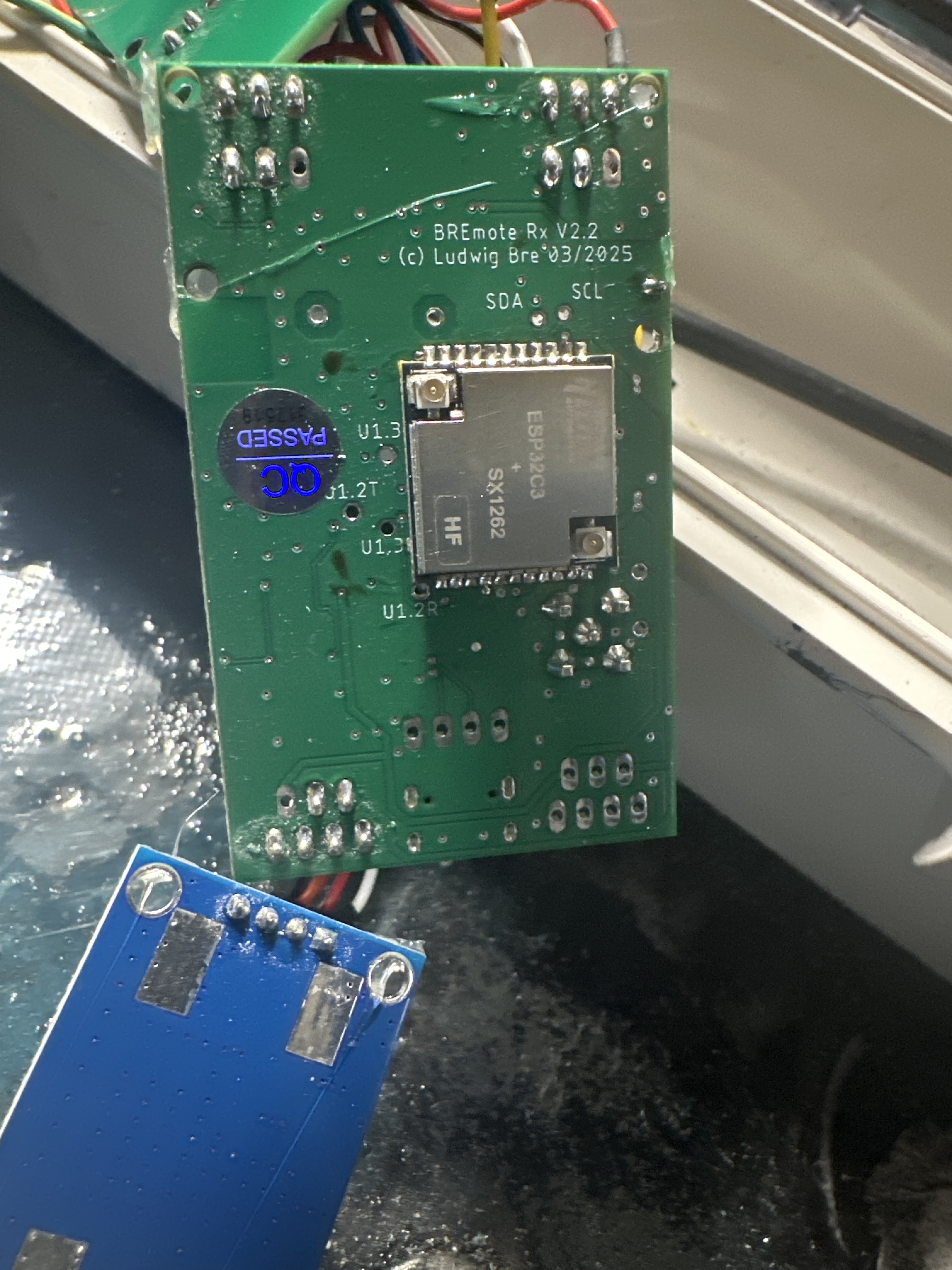
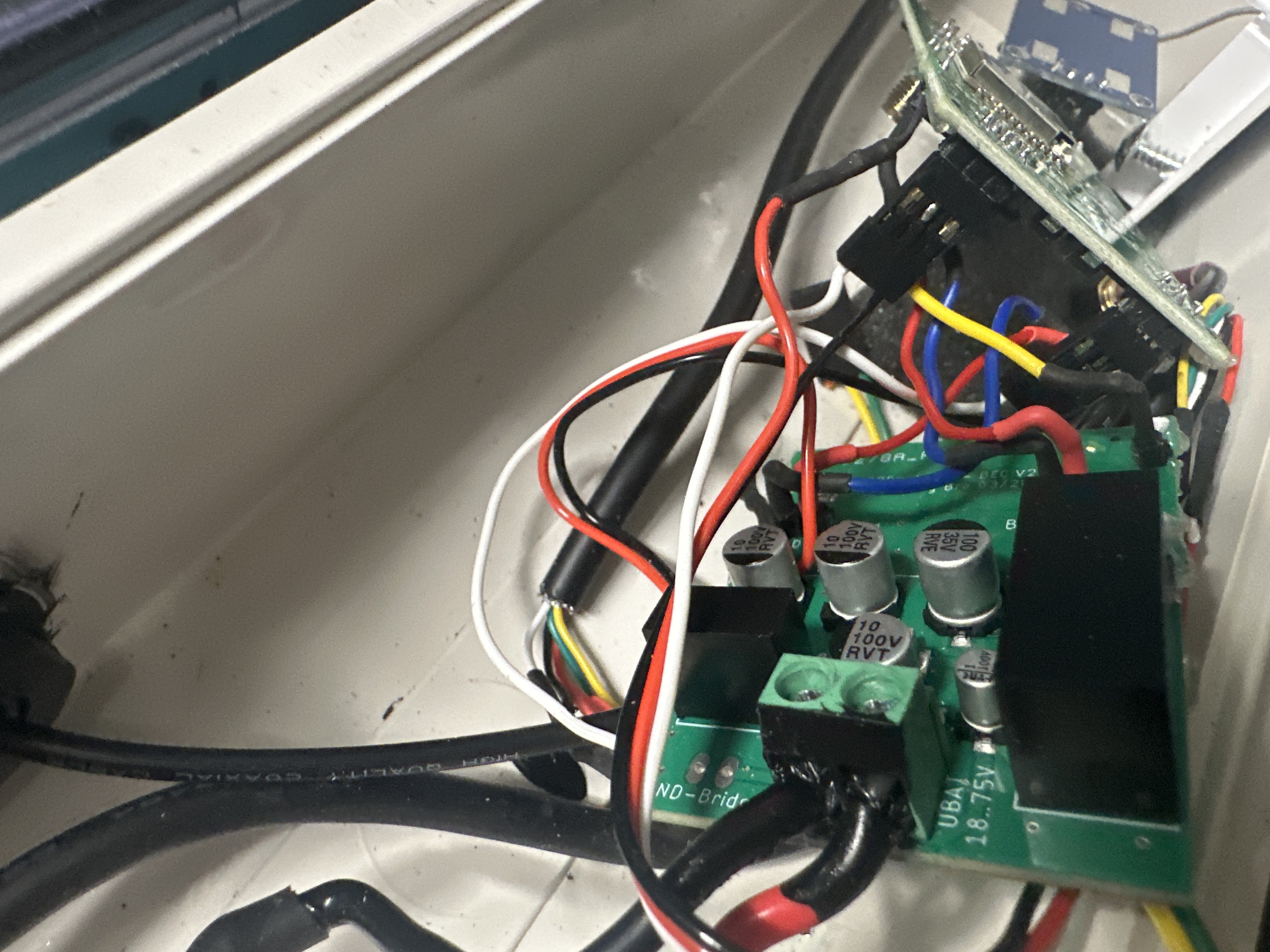
Is the GPS module needed if I’m not using a vesc just esc’s? If so can I connect a seperate battery power source to RX and get rid of Bec what Voltage is needed 6v??
No
No you can not, please keep using the BEC module that you have
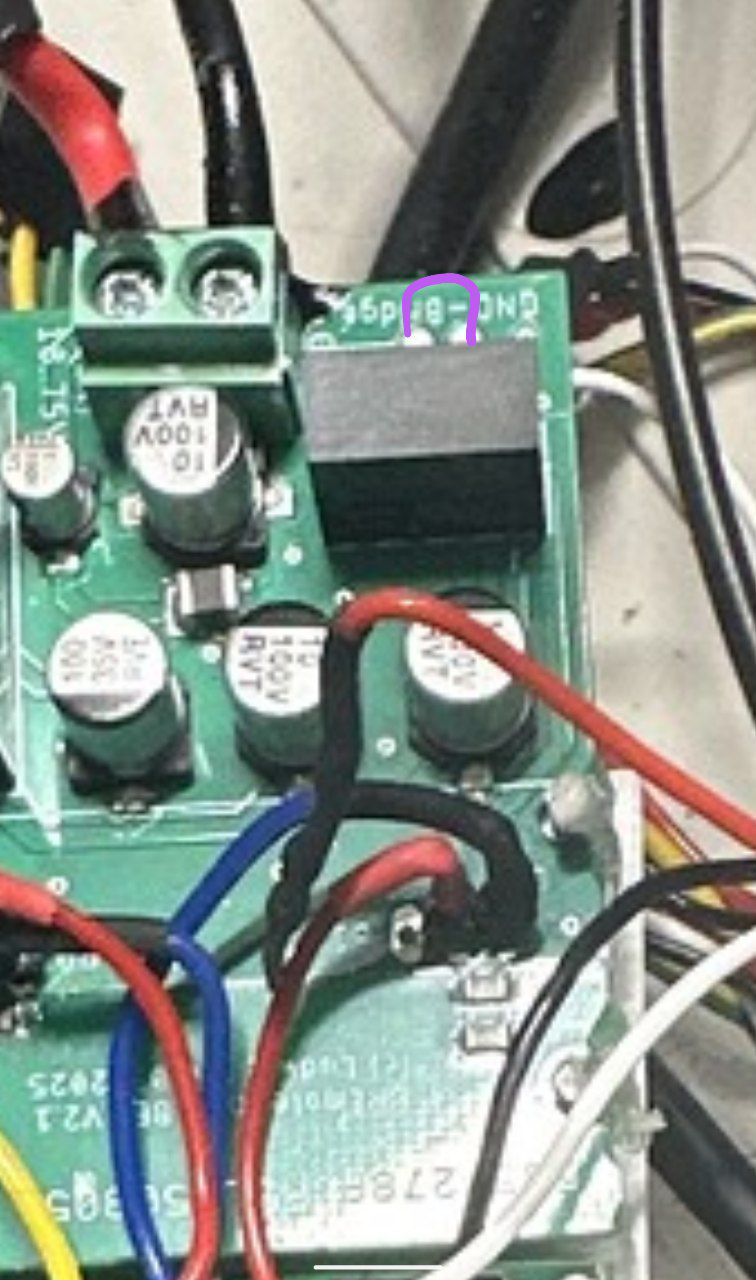
But close the GND bridge on it (connect the two pads).
AQABAAAAAQBkAC9AkB+QPsw2+i30AR4A9AGIE9AHZADoAwoA0AcAAAAACgAAAAEMgAyADIAMgBDrkI5AAAVWCAAAAA=
This is for TX can’t seem to get anything from RX. I will try again next week with RX or may have to purchase another to start again
As stated above the Rx has a power problem
- connect the GND bridge like shown on the image
- disconnect everything and check if it works only with USB attached
For the pre-made LUT, Is current per cell an estimation of the average current on a single cell over the whole session?
Not sure if I understand the question correctly.
-
Take the power draw at your average ride speed.
-
Divide that power by 3.7*SERIES cells (nominal pack voltage) to get current of the pack
-
Then divide that by amount of parallel cells to get current per cell
Or just use this calculator
https://lbre.de/BREmote/per_cell_calc.html
1 Like
Hi @ludwig_bre , my tow boogie has a tendency to steer to the right. This is with differential 2 motors set up. Can the rx trim setting help me here? If so, I understand from your video that a a minus value would help it steer more to the left. What is the range of values it can take? I’m also curious as to how this works.
Many thanks,
James
The trim works best for steering with Servo. The trim value is just added to overall throttle of the motors, with positive or negative sign depending on which motor, any value from -1000 to 1000 can be put, however I would try with small amounts of 10 or 100
For differential steering, does your craft not stay straight at low or higher speeds?
Depending on that it can help wo either change settings in the ESC/preferably VESC or geometrical changes on the boogie
Thanks Ludwig.
I’ve been persevering with my 160a phoenix castle esc’s. They auto calibrate pwm which is my problem. I had this problem in my Bremote v1 but have more configuration options in Bremote v2 so am hopeful I can come up with a workable solution.
If my boogie steers right can I alter the top end of the pwm of the ESC that is connected to the motor that is too powerful? If so, would raising the top pwm value in the configuration beyond what it can output give that motor less power? I hope my explanation makes sense.
If this is a poor approach I will switch out my ESC’s.
Thanks.
Mine are BLHeli32, but I did it like that, but exactly the opposite.
Calibrate with the remote PWM values of 1100-1900, after that I changed the values to 1000-1750, for some extra deadband and lower max power.
I see no reason why you should not be able to do it with only one motor.
2 Likes
If the auto-calibration can be turned off, set the ESC that is going too fast (so the motor that is pushing too much) for a higher max PWM in the ESC. So if the Rx outputs 1100-1900 for example set the ESC to 1100-2000 for example. That way it will have proportionally less RPM than the other motor.
If you only change the Rx configuration PWM, and the ESC auto -calibrates again that will result in no change. The change must be made in the ESC config.
Maybe you can calibrate with Rx settings 1100-2000 then disable auto calibration and change Rx settings back to 1100-1900 or just never trigger auto-calibration again (not sure how that works?). In the end 1100-2000 should be saved in the ESC while 1100-1900 is output by the Rx. (Like Jan already described)
Thanks Ludwig. I cannot turn off auto calibration in the ESC so I’m going to bite the bullet and switch out the ESC’s. I’ve been having an absolute blast on my tow boogie with Bremote v2 even with this problem so it’s going to be worth it to get this last niggle sorted.
Just out of curiosity, how do they auto-calibrate? Like, how do they know that you actually went full throttle to calibrate the max. value? Maybe we can outsmart them by sending a 2000 pulse for 1 millisecond, then go back to the 1100-1900? Should be imperceivable in the riding thanks to inertia…
1 Like
I’m not entirely sure. I’ve been trying to figure that out for a while with conflicting feedback from the posts I’ve read online. With my foil assist set ups with the Maytech remote they are just plug and play. The material I’ve read says full throttle, then power up the ESC, then after a series of beeps, full brake and then neutral We don’t have a brake so I’ve been taking brake to mean zero throttle but then unsure on neutral.
Is it the sequre ESC you went with? I have the 14200 pro model as a backup to try.
Yes, I got the 12200.
I think they are working pretty well.
Also seem to handle heat dissipation really good.
But if I would choose today, I would go for one of the cheap VESC’s for sure.
The diagnostics and setup over BT/Wifi, would have saved me plenty of time.
1 Like