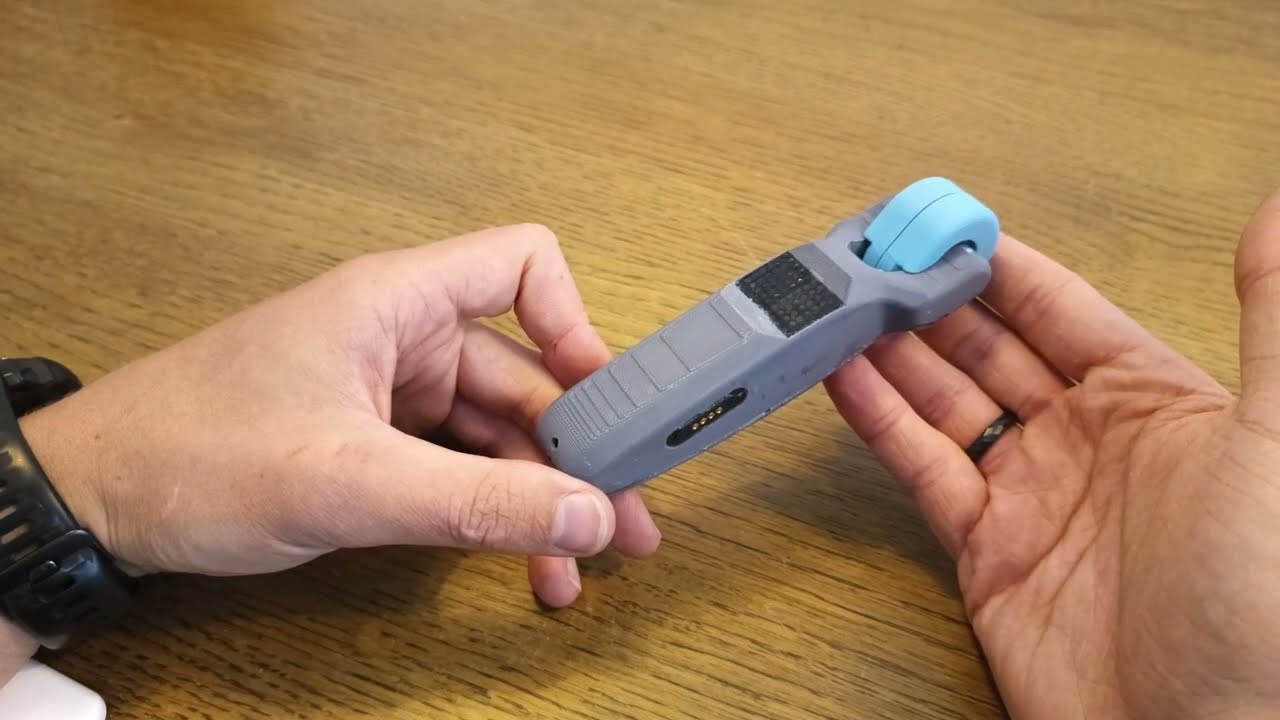
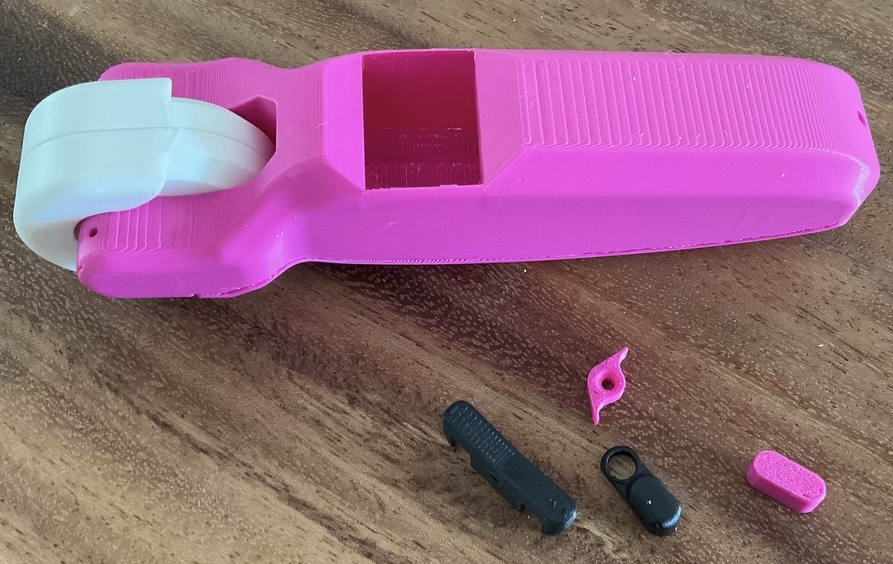
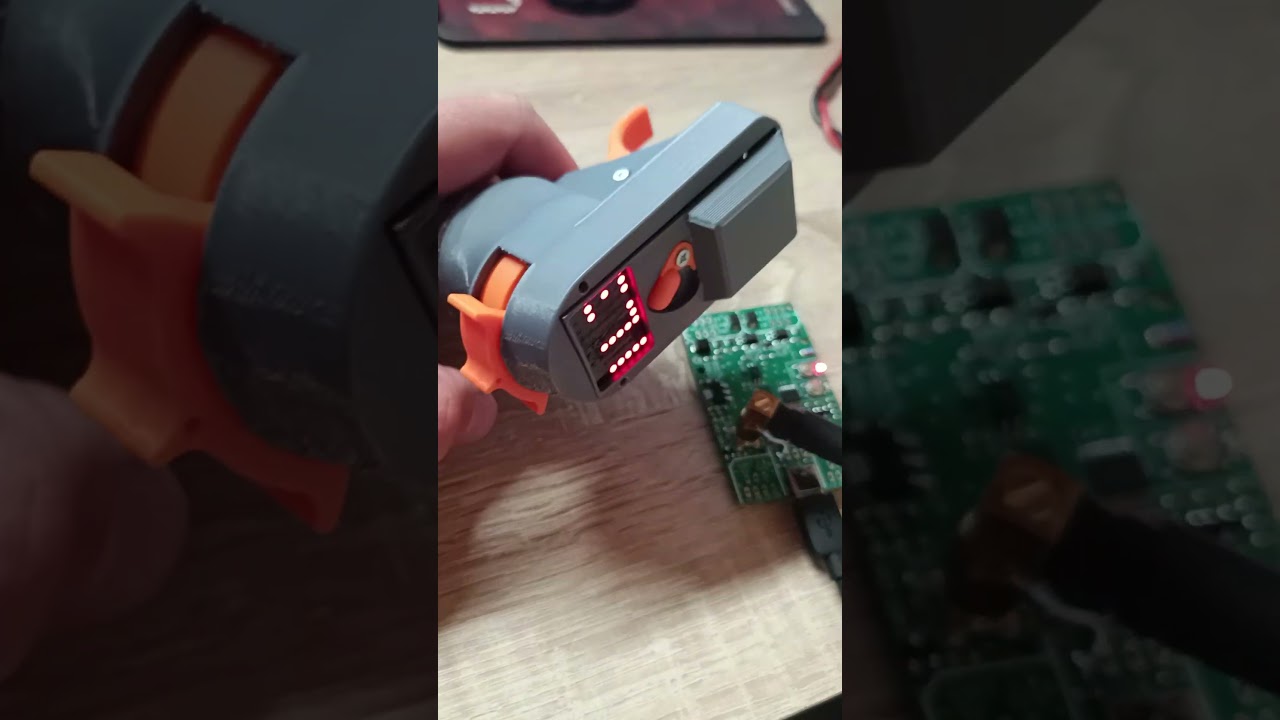
You may remember the BREmote V2 Nano, that was originally designed with 10 LEDs. While that idea made the cost and complexity lower, it increased assembly difficulty and reduced readability of data.
I have changed the design of the Nano to also feature the full display like the “big” V2.
Here is the updated tutorial:
openfoil is preparing the sale of the new kit and will keep you updated separately.
Together with ludwig i was able to figure out what was going wrong here. There was no vesc data in my logfiles which resulted in the error at logtrc. Although i had my vesc connected to the bremote RX it did not get the data because i had set data_src = 2 assuming it would only effect the source of the voltage measurement. instead it completely disables the vesc data connection.
hi @ludwig_bre i have been testing the logging and it seems to work properly, i am able to connect to the rx via wifi and download the .log data.
It is definetly a nice solution since i dont have to take my phone with.
but so far i was not able to open the log files (binary?) either with the VESC Tool or the logtrc app. For some reason i am not able to open the local folder of the app an the app does not allow to choose a diferent folder…
Ordered, Thanks ! Could you please confirm the “Big” Led display is included as we can’t really tell from the pictures nor from the description…
Can’t wait
using the web works, thank you.
is there any way to review the logs offline?
and yet another question :P, on my session yesterday I got an E7 on my Tx, i assume it was a VESC to hot error, as it got to 62 deg C, is that true? or what does it mean E7, i did not found it on Github…
EDIT: i have been reviewing my logs and it seems the GPS dropped… i suppose that is E7…
You can use this tool, it runs in your browser only without any uploads. You can also download the HTML file by clicking “save as…” and run it completely without Internet
On the subject of E7. I had the same error today. I checked and couldn’t see any water, but there had been a bit of water a few hours earlier so maybe it wasn’t 100% dry. The issue I had is that E7 stops me from changing gears, so I could only get back to check if there was water at low speed (Gear 0). If you turn the Tx off/on again, it also takes a long time to enable throttle, as E7 seems to stop/delay some of the normal boot up. I would like to know if there is water, but still use the Tx as normal.
Gears can always be changed!
Just click toggle left/right, the remote should show “E-” (meaning “error acknowledged”), then you can switch gears for a few seconds.
If the error stops being reported from the Rx, the display will then go back to normal. If the error persists, it will be shown on the remote again, but can be deleted again with E- and gears can again be changed.
(The fact that it needs some time to delete in the end is due to smoothing in the Rx, after removing the water it can take up to 10s until the error is not reported anymore, equally it can take up to 10s after closing the contacts until the error is shown)
As I just had to rebuild two remotes - a quick note.
If you feel like a complete idiot when using the potting compound, you are not alone.
I have been extra careful this time and even checked with IPA before filling.
I am convinced the stuff used in the video is not the same provided with the kits.
Mine definately has a certain amount of expansion when curing, not like foam, but still significant.
If I completely fill it, like in the video, I have the resin puring out of everwhere once its starts curing. And the plug inserted at 44:45 will be pushed out again no matter what I do. This is after I filled the remote with IPA before to check for leaks.
Not sure what the solution should be.
Use only half of the stuff first, wait for it to be almost cured, then use the rest?